Before and after photos
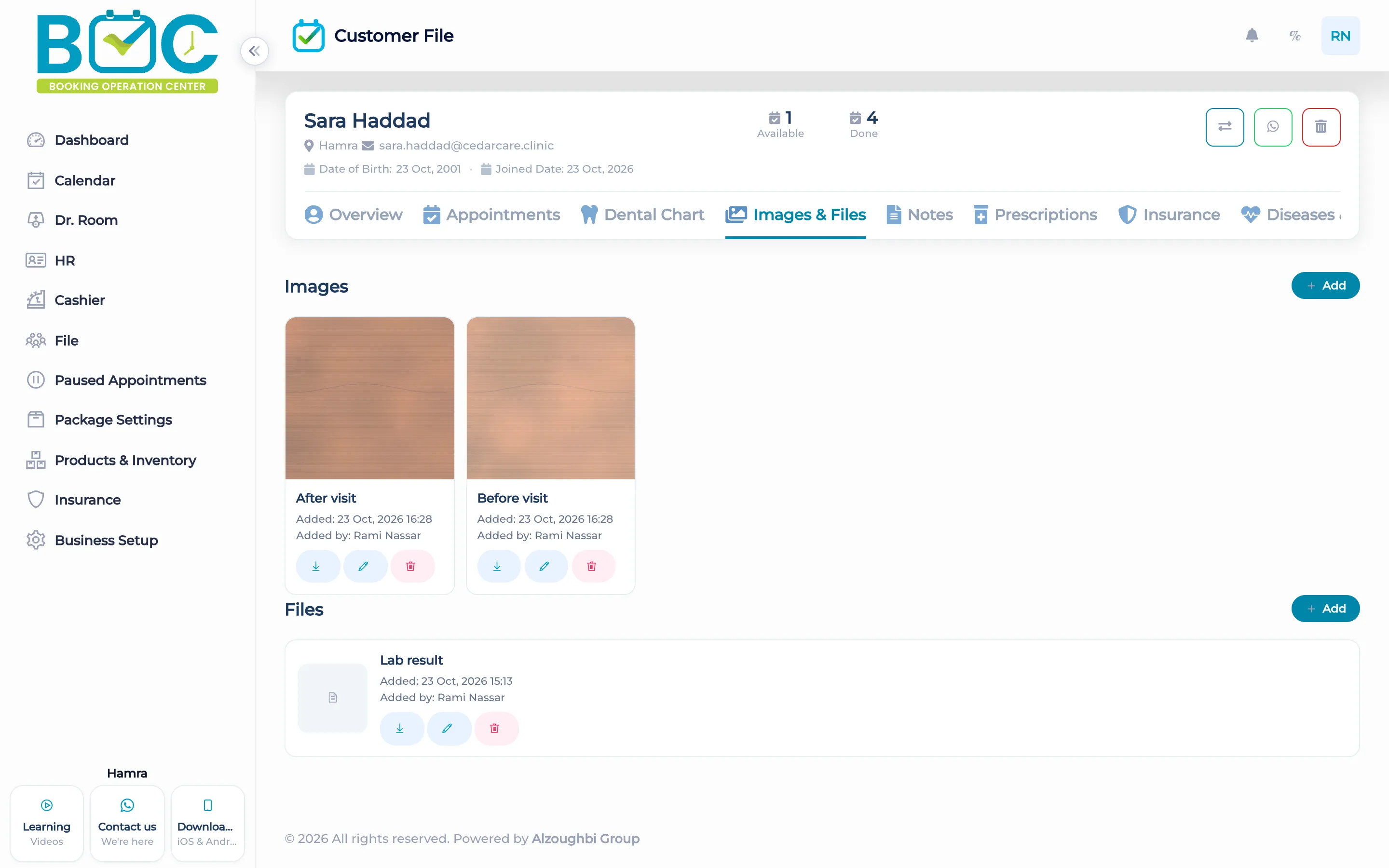
Photos and files live on the client file, on the Images and files tab. A before photo, an after photo, and a lab PDF stay with the visits.
What it does
The Images and files tab on the client file holds photos and documents for that person. Staff open it from the file, next to notes, visits, and the rest of the record.
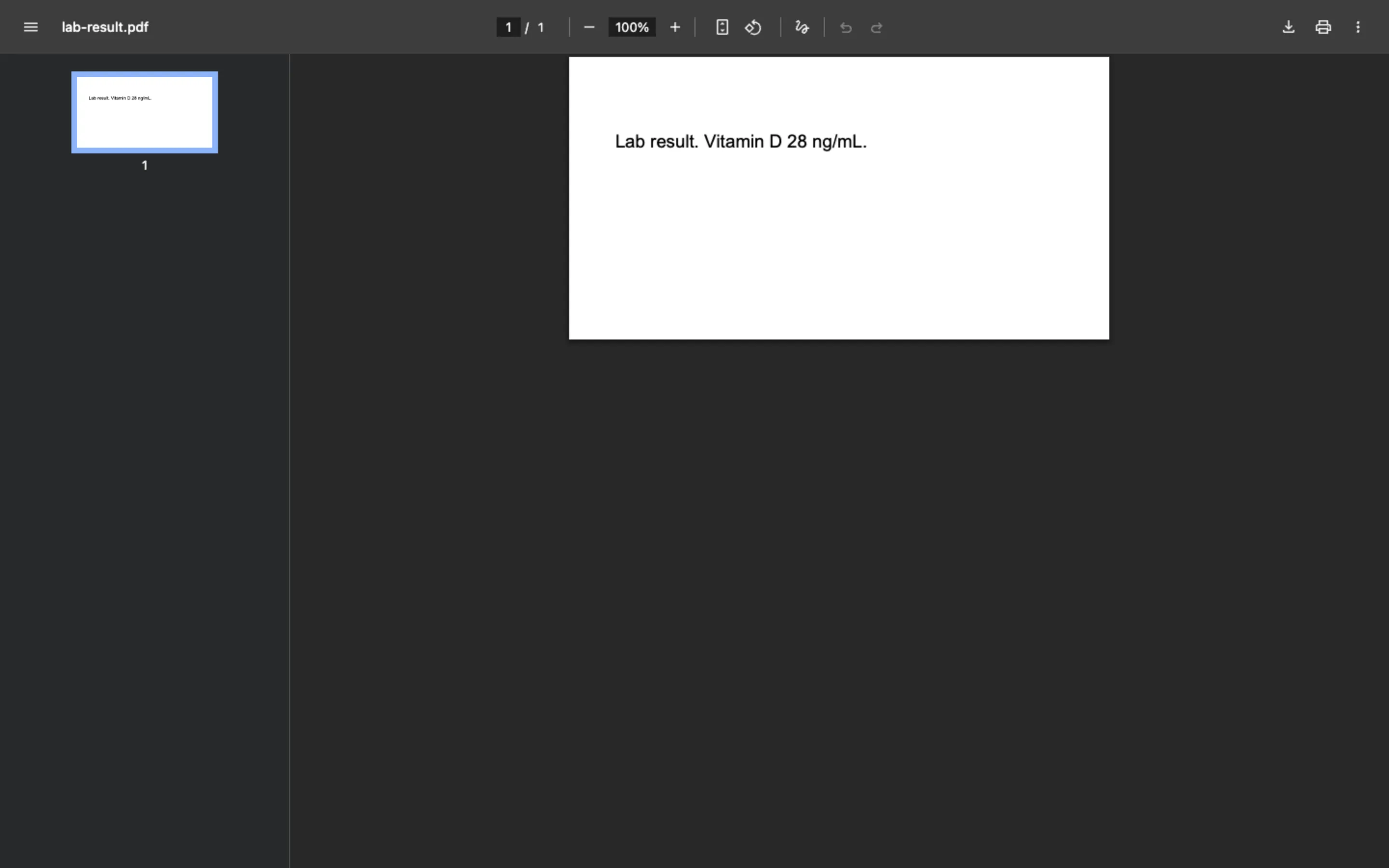
A lab PDF can sit in the same place as the photos. The file is the record. There is no separate photo library to search by a different name.
How it works in BOC
- Open the client file. Find the client and open the file.
- Open Images and files. Use that tab for photos and documents.
- Add the photos. Add the before photo and the after photo for the treatment.
- Add the lab file. Add the lab PDF on the same tab so it stays with the photos.
Watch the tutorial
Manage all your client information in one place with BOC. In this video, discover how to use the Customer File to view and manage client details, appointments, records, and important information — giving your team quick and organized access to everything they need. BOC — Booking Operations Center Everything about your clients, organized in one place.
Key capabilities
- Photos on the client file.
- Documents, including a lab PDF, on the same tab.
- The images sit beside the visits and notes.
- One file for that client, not a separate photo store.
Who it is for
Dermatology and laser keep before and after photos on the client file.
Dental clinics keep photos and a lab file on the patient file.
Clinics use the same Images and files tab for photos and PDFs.
FAQs
Where do the photos go?
On the client file, under Images and files.
Can a lab PDF live there too?
Yes. Documents sit on the same tab as the photos.
Is there a separate photo product?
No. The photos and files are part of the client file.