Contracts and consent
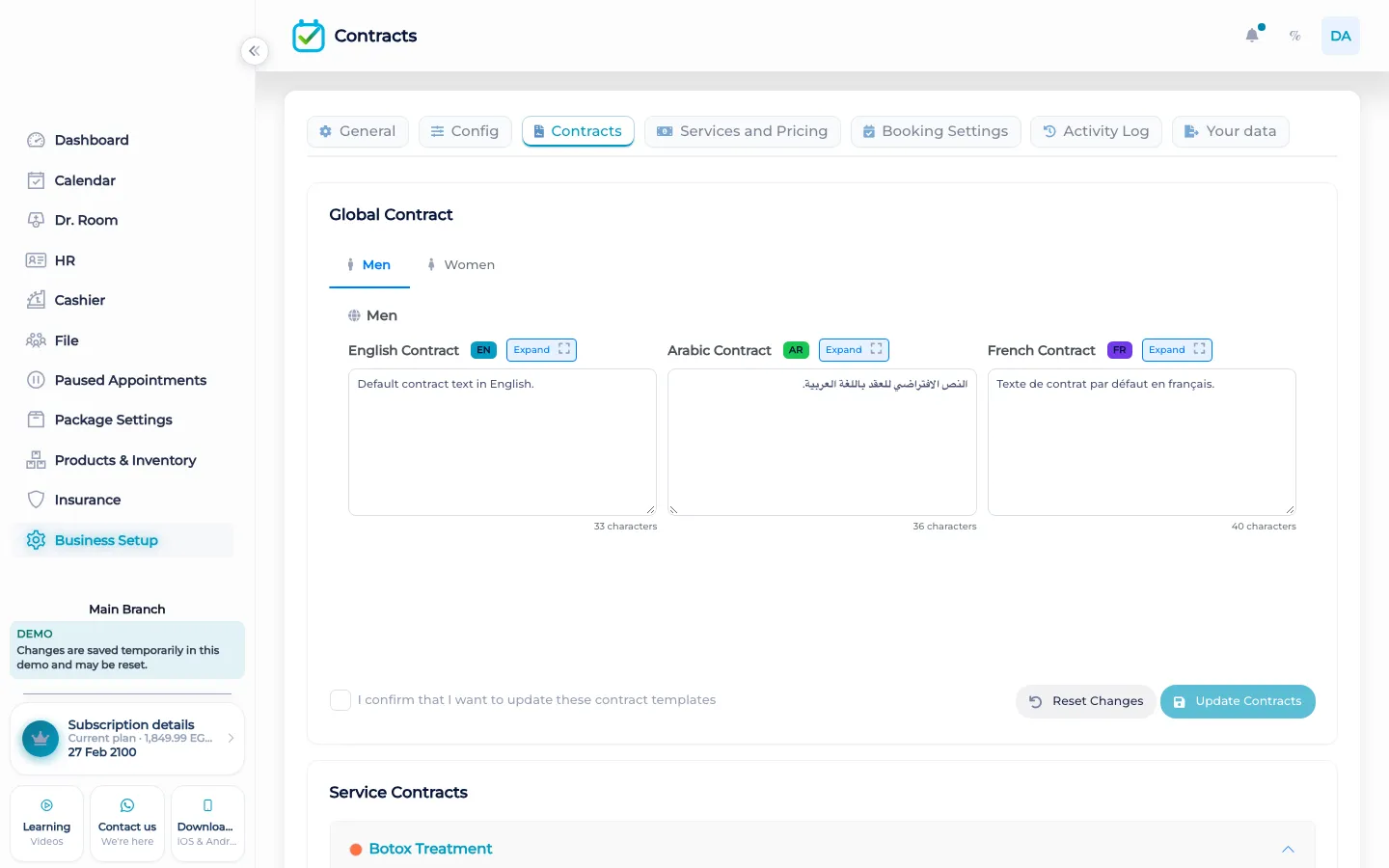
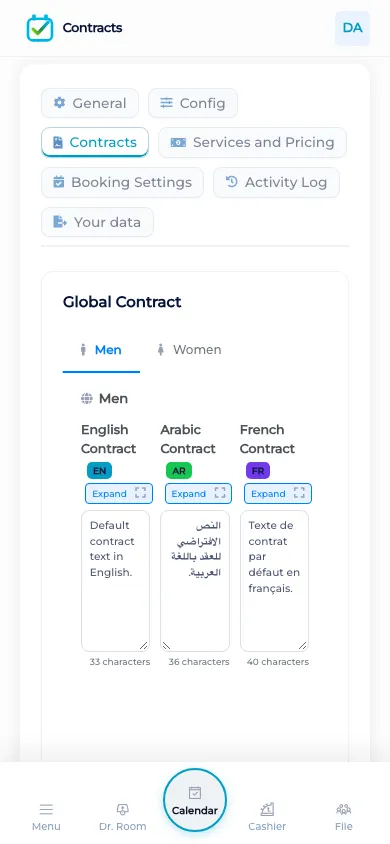
Contracts in BOC are templates the desk fills and a signature stored on the client file. The men and women tabs follow the gender on that file.
What contracts do
Staff set up a contract and collect the client’s signature in BOC. The signed copy is saved on the customer file. It stays that saved copy even if the template is edited later. The signature is a record the team stored. BOC does not describe it as a court filing, and this page does not call it a legal guarantee. It is the signature you captured, kept with the person it belongs to, instead of a paper that can leave the drawer.
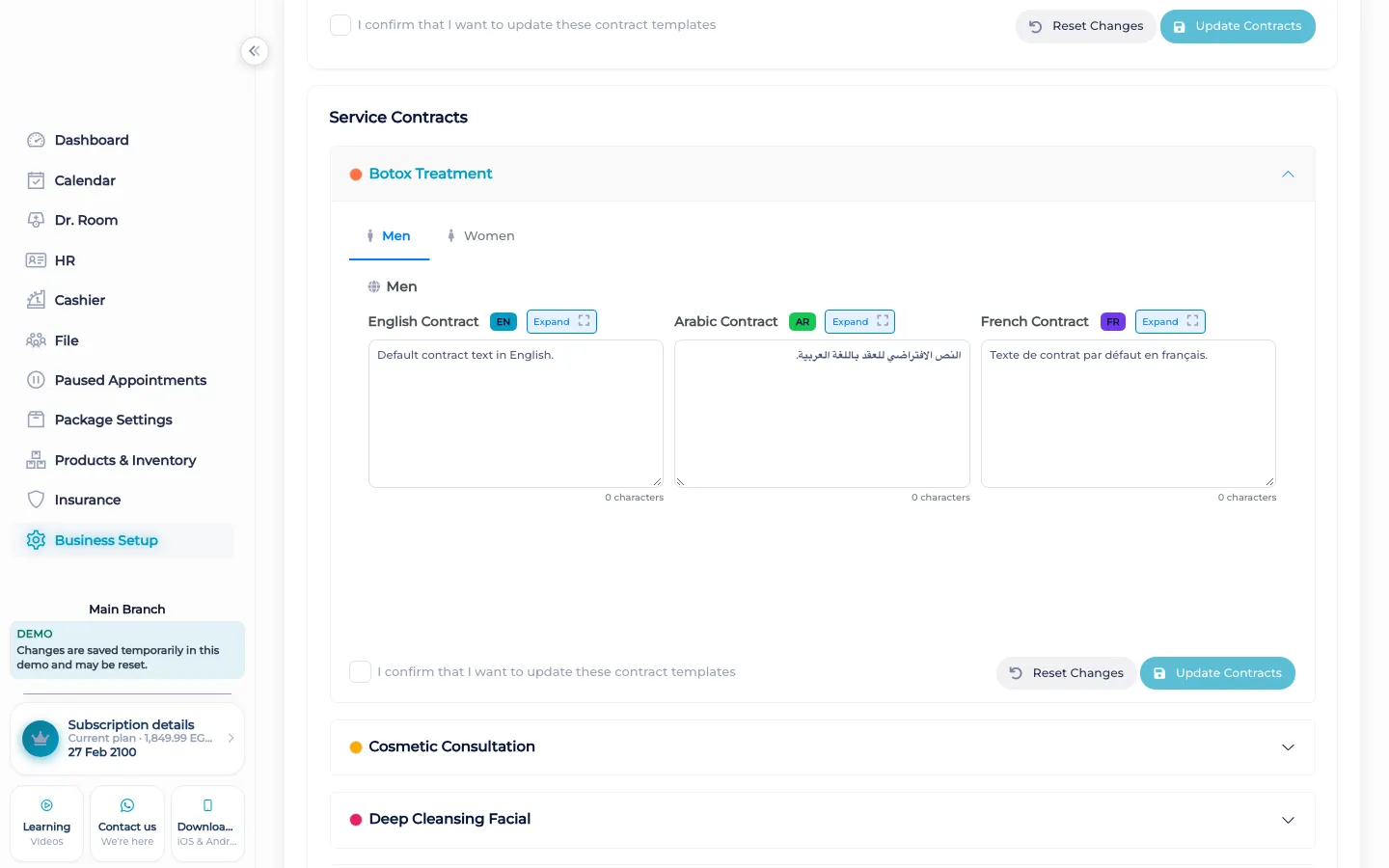
Men and women tabs follow the gender on the customer file. If the file is marked male, the women’s tab is not offered as if the file had no gender. If the file is marked female, the men’s tab is locked the same way. Contracts offered for signature are limited to services that already belong to that customer, from appointments or treatment plans. An empty service list does not invent a contract for a service the person never had.
What makes it different
A PDF in an email can be signed and then lost in a thread. The BOC signature stays on the client file the cashier and the practitioner already open. The activity log can show that the record changed. The contract screen is where you collect the signature. The tutorial walks through setting up a contract and collecting that signature so the signed copy stays with the file.
Signing during the visit
When a client is in the chair or at the desk, staff open the contracts on that file rather than hunting for yesterday’s printout. The gender on the file decides which tab is usable, so a men’s contract is not signed against a file marked female. The services listed are the ones this customer already has. Staff collect the signature there. The saved copy remains after the template changes, which matters when the wording of a consent is updated next month and last month’s signature must still be the one that was given. Nothing in this flow files the document with a ministry, and nothing in it replaces a lawyer. It keeps the signature you took, on the person you took it from, in the same workspace as the visit.
How it works in BOC
- Open contracts on the file. Start from the client file, not from a loose stack of printouts.
- Follow the gender on the file. The men and women tabs lock to the gender stored on the file.
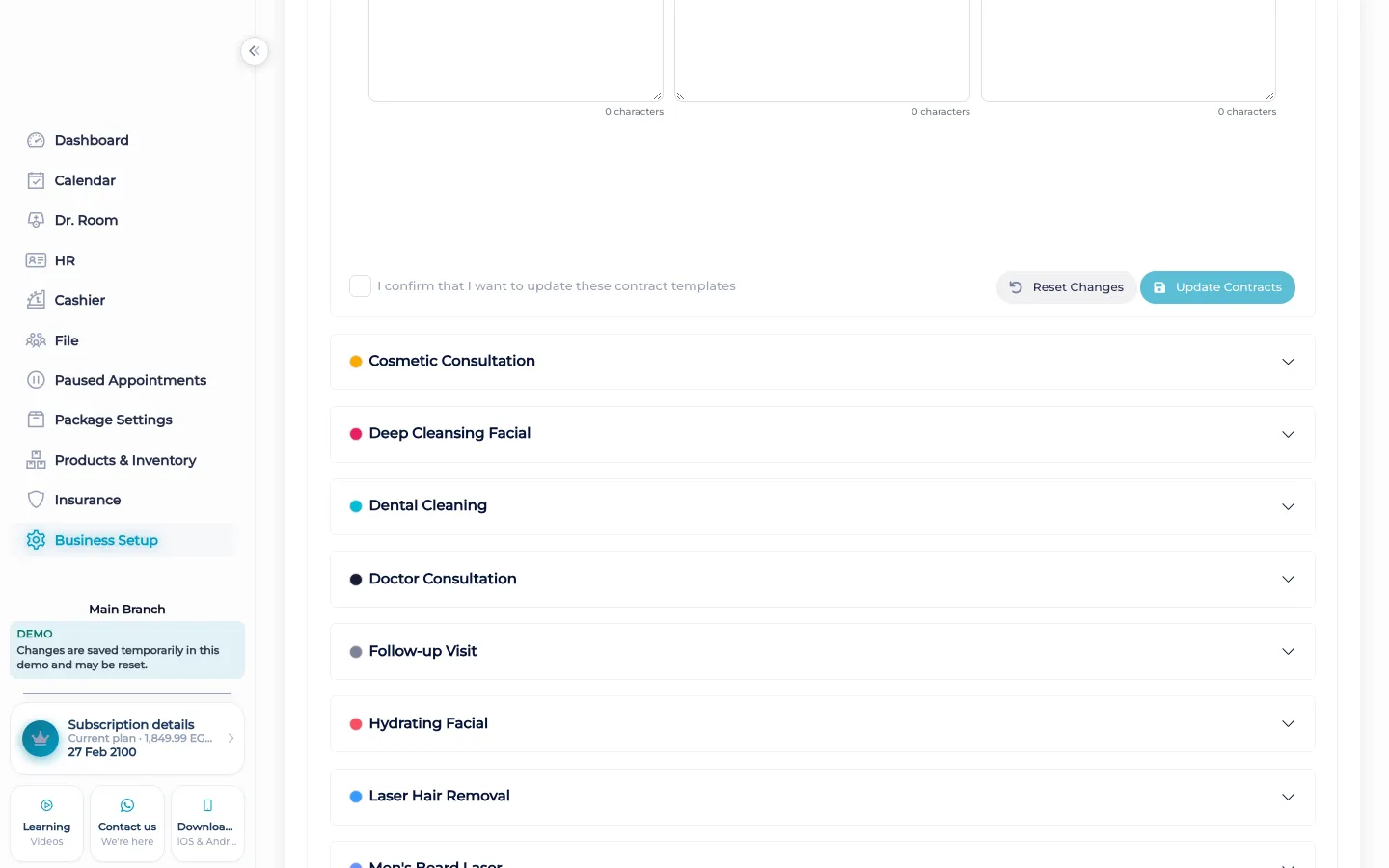
- Use the customer’s services. Only services already on the appointments or treatment plans for this person are offered.
- Collect the signature. The signature is stored on the file as the signed copy.
- Keep the saved copy. Later edits to the template do not replace the copy that was signed.
Who it is for
Clinics A clinic collects consent on the file before the visit continues in the doctor room.
Dental clinics A dental clinic keeps the signed consent with the same file as the chart.
Dermatology and laser A laser clinic stores the signature for a course of treatment on the client, not in a side folder.
Beauty salons A salon can keep a signed service consent on the file when the service needs one.
Spas A spa keeps the signed treatment note with the person who is in the room.
Barbershops A barbershop uses a contract only when a service needs a signature. The file still holds it.
Physiotherapy A physiotherapy practice stores consent for the plan on the same file as the return visits.
Sports clubs A club can store a signed form on the member’s file. It is not a public waiver page.
Concrete benefits
- The signature is stored on the client file.
- The saved copy remains when the template changes.
- Men and women tabs follow the gender on the file.
- Only services already on that customer are offered.
- The stored signature is a record, not a claim about a court.
Watch the tutorial
Set up a contract and collect the client signature in BOC so the signed copy stays with the file.
Questions
Where is the signature kept?
On the client file, as the signed copy.
What if the template changes later?
The copy that was signed stays the saved copy. A later edit to the template does not replace it.
Why are there men and women tabs?
They follow the gender on the customer file. The other tab is locked so it is not used against the wrong file.
Which services can be signed?
Services already linked to the customer through appointments or treatment plans.
Is the signature a legal filing?
No. It is the signature captured and stored on the file. It is not submitted to a court or a ministry from this screen.
Is there a tutorial?
Yes, in English: the contract tutorial shows how to set up a contract and collect the signature.