Team management
Team management is how a clinic or salon decides who may touch the calendar, the cashier, the doctor room, the customer files, and the settings.
What team management does
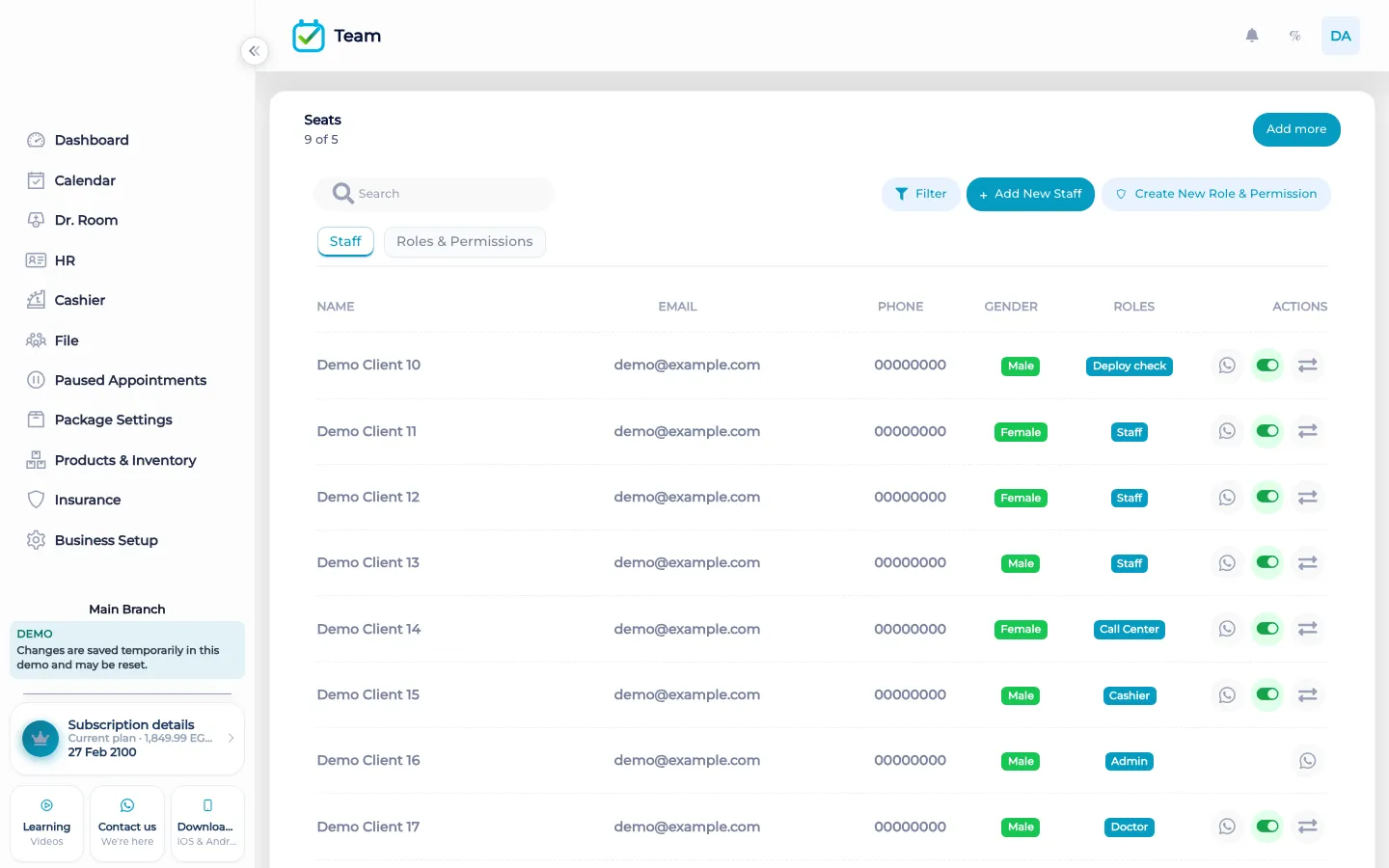
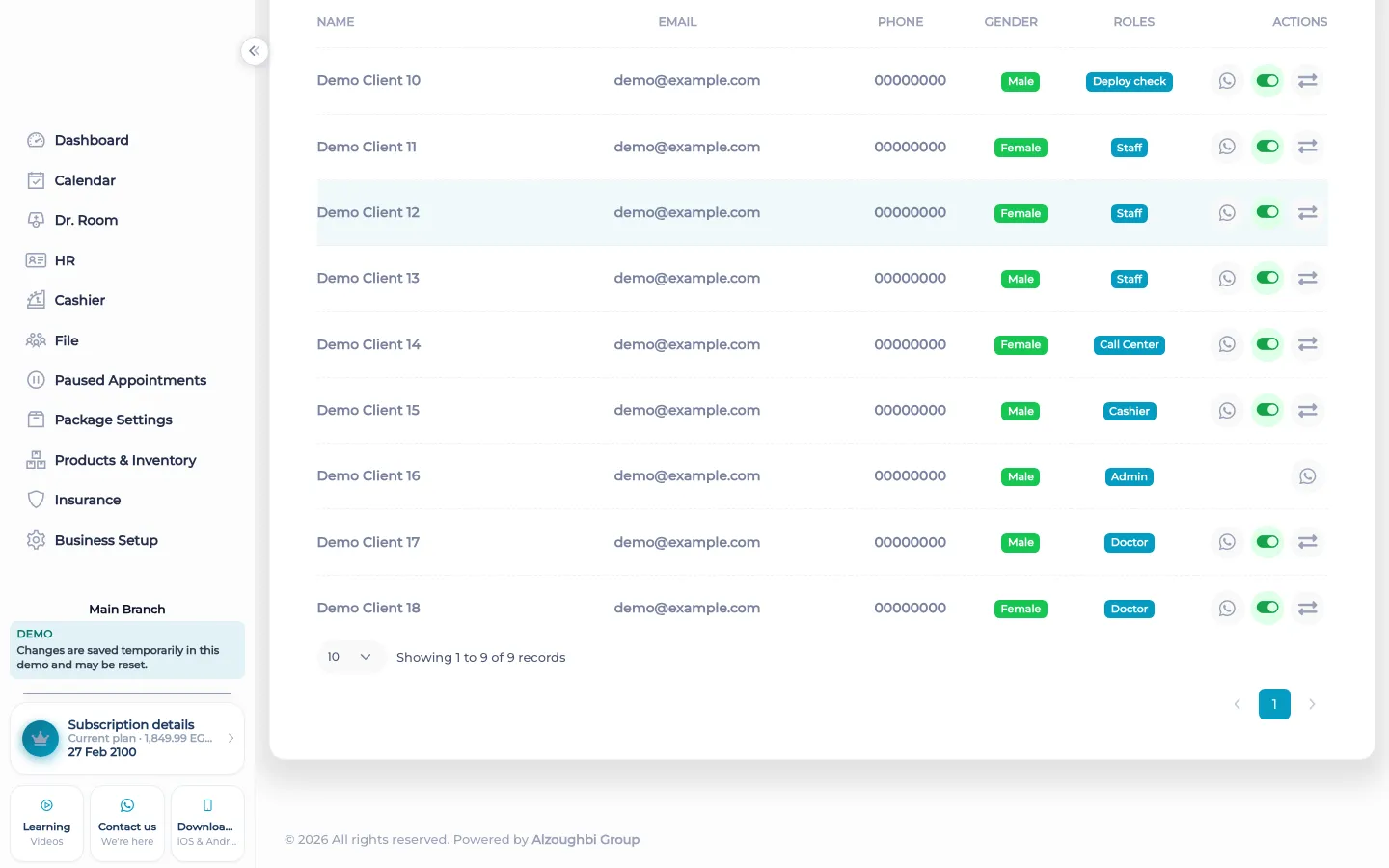
You add a staff member and give them a role. The role is a set of actions, not a job title painted on a badge. The actions follow the work BOC actually has: the calendar, appointments, the cashier, the doctor room, customer files, and business settings. A person without an action does not get that screen. That is the whole point of the screen. You are not publishing an org chart. You are deciding who can change a visit, who can take money, and who can open a file.
Branch scope keeps a person on the branch they work. A receptionist in one site does not need the book of another site. Hiding sales is a separate choice: someone can work the calendar and still not see the sales totals. The tutorial for this area walks through staff, roles, and permissions. There is no customer login on this screen, and no customer self-booking portal behind it.
What makes it different
Many shops share one password for the desk. BOC expects a person. The activity log can then name who was signed in. Team management is what makes that name mean something. If everyone uses the owner’s login, the log is honest about the login and useless about the person. Create the staff record, give the role, and stop sharing the password.
This screen does not calculate commission and it does not punch attendance. Commission rules and GPS attendance are their own places. Team management decides whether that person may open them. It also does not invent a public booking page. Staff book. Customers do not sign in to pick a slot.
Start with the people who open the workspace tomorrow morning. Give reception the calendar and the files. Give the cashier the payment screen. Leave settings, export, and the activity delete permission with the owner until you have a reason to share them. Then sign in as each person and look at what is missing. A missing screen is a missing action, not a broken product.
How it works in BOC
- Add the person. Create the staff record with the name the team will see on the calendar and the cashier.
- Choose the role. Grant the actions that match the job: calendar, appointments, cashier, doctor room, files, settings. Leave off what they should not open.
- Limit the branch. If they work in one branch, keep their scope on that branch so another site’s day stays with the people who run it.
- Hide sales if needed. Turn off sales visibility for people who book and serve but should not read the totals.
- Check a real login. Sign in as that person once. Confirm the calendar opens and the cashier or the settings stay closed if that was the intent.
Who it is for
Clinics A clinic gives reception the calendar and the files, and keeps settings with the owner.
Dental clinics A dental clinic can let the practitioner open the chart and the doctor room without handing them the sales totals.
Dermatology and laser A laser clinic separates the person who sells a package from the person who only runs the room.
Beauty salons A salon lets a stylist see their own book and hides the day’s sales from the floor.
Spas A spa keeps the therapist on their rooms and the front desk on the book and the cashier.
Barbershops A barbershop gives each chair a login so a moved booking has a name on the activity log.
Physiotherapy A physiotherapy practice lets the practitioner write the visit and keeps pay and settings with the office.
Sports clubs A club limits a coach to the schedule and keeps membership money with the desk.
Concrete benefits
- Each person has a login, so the activity log can name them.
- Actions match the screens BOC has, including doctor room and cashier.
- A branch limit stops one site from editing another site’s day.
- Sales can stay hidden from people who only deliver the service.
- You can see what a role opens before that person starts a shift.
Watch the tutorial
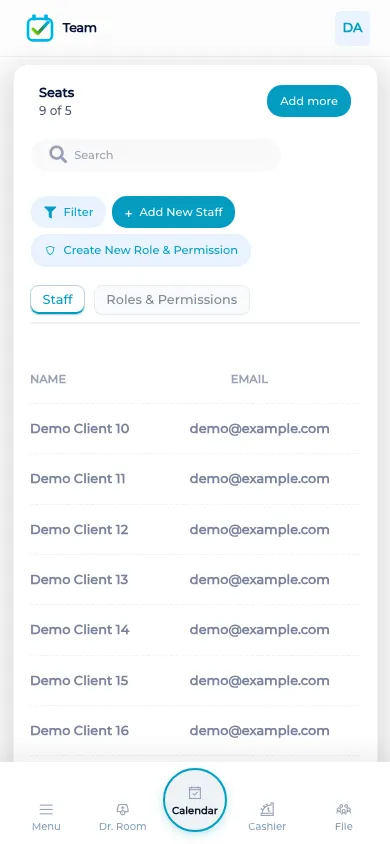
Add staff, assign roles, and choose who can open the calendar, appointments, cashier, doctor room, customer files, and business settings.
Questions
Can two people share one login?
They can, and then the activity log will show that shared login. Give each person a staff record if you want a name.
Can I hide the sales numbers?
Yes. Hiding sales is a separate choice from letting someone open the calendar or the appointments.
Does a role include commission?
The role can allow a person to open pay and commission. The commission rules themselves live with staff commission, not inside the role name.
Can staff be limited to one branch?
Yes. Branch scope keeps their work on the branch you set. Another branch keeps its own day.
Do customers get a login here?
No. Team management is for staff. BOC does not include a customer self-booking portal.
Where is attendance?
GPS attendance is a phone punch with location and a live face video. The web does not record attendance. Team management only decides who may open HR.