Data export
Your data is the settings screen that takes the workspace out. An all-time export writes customer folders with the real files. A dated spreadsheet cannot cover more than 365 days.
What the export contains
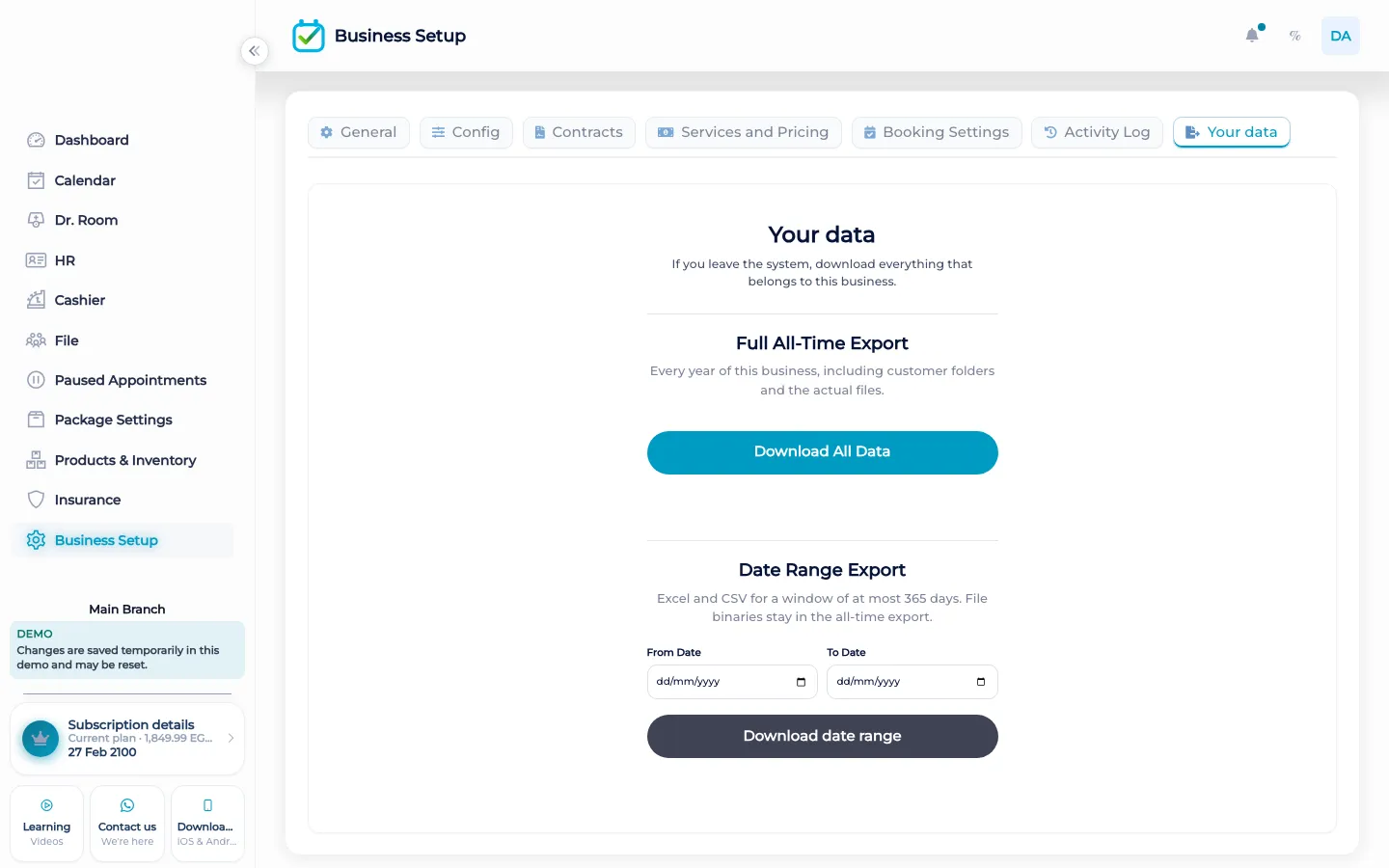
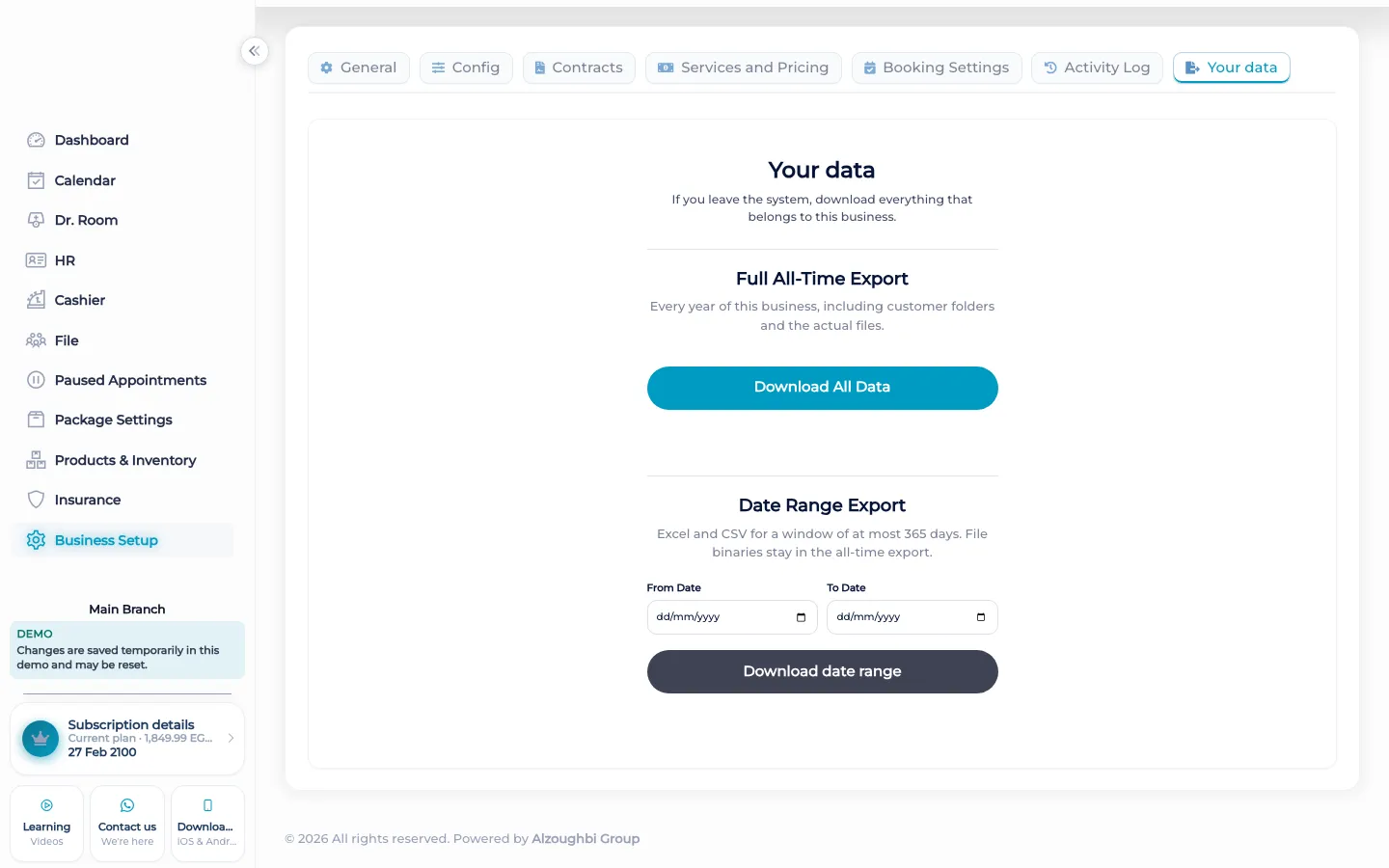
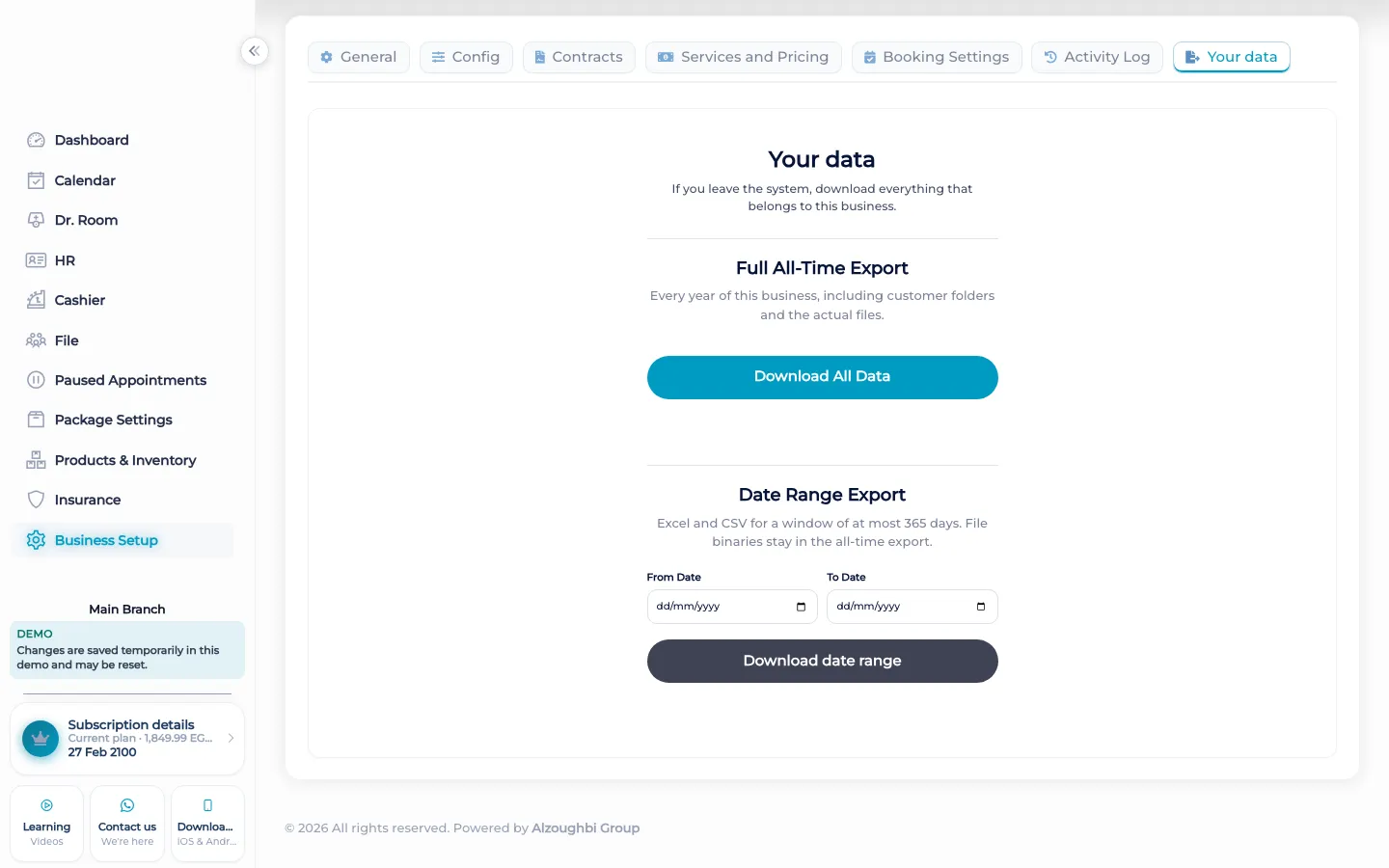
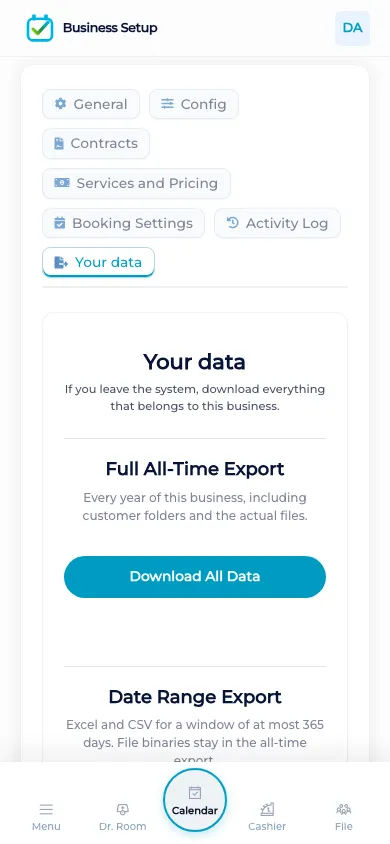
Open business settings and choose Your data. The all-time portable export writes a folder for each customer. The files inside those folders are the actual images, PDFs, and signatures, not a path written in a cell that points somewhere else. That is the copy you can take when you want the files themselves. A dated export is different. You choose a from date and a to date. Both are required. The from date has to be on or before the to date. The span cannot be more than 365 days. If it is, BOC refuses the range. That dated export is a spreadsheet or a CSV of the rows in the window. The photos and PDFs stay in the all-time export. They are not squeezed into the dated sheet.
The English tutorial shows this screen. The export does not publish the files to the marketing site, and it does not send them to a client. It is for the clinic that owns the workspace. A 365-day link expiry on a download is not the same limit as the date range. The range limit is the 365 days between from and to. Activity log search is a different screen. You can read who changed a record there. The export is the copy of the records and the files.
What makes it different
A spreadsheet of names is not the chart photo and not the signed contract. BOC puts the actual image, PDF, and signature in the customer folder on the all-time export. The dated sheet is for a window you choose, and that window stops at 365 days so a single download is not an unbounded pull of every row the clinic has ever written.
Taking a copy
When a manager wants the files, they use the all-time export and open the customer folders. The photo is the photo. The PDF is the PDF. The signature file is the signature that was stored on the file. When they want a sheet of visits or payments for a season, they set both dates. If they leave one blank, BOC asks for both. If the start is after the end, it refuses. If the two dates are more than 365 days apart, it refuses and says the range cannot exceed 365 days. They shorten the window and run it again. The sheet does not pretend to contain the binaries. Those stay with the all-time copy. Nothing on this screen is a public page. The client does not download their own folder from a portal. Staff who are allowed to open Your data take the copy for the clinic.
How it works in BOC
- Open Your data. It is in business settings.
- Export all time for the files. Customer folders hold the real images, PDFs, and signatures.
- Or pick both dates. A dated sheet needs from and to.
- Stay inside 365 days. A longer range is refused.
- Keep the binaries out of the sheet. Photos and PDFs stay on the all-time export.
Who it is for
Clinics A clinic takes the patient files, including photos and signed copies, out of the workspace.
Dental clinics A dental clinic’s chart images leave with the customer folder, not as a broken path.
Dermatology and laser A laser clinic exports treatment photos as the files themselves.
Beauty salons A salon can export a season of visits as a sheet of at most 365 days.
Spas A spa keeps signatures in the all-time folders and a season of payments in the sheet.
Barbershops A barbershop exports the book for a year at a time, not as one endless sheet.
Physiotherapy A physiotherapy practice takes plan notes and files with the customer folder.
Sports clubs A club exports membership visits for a dated window of at most 365 days.
Concrete benefits
- All-time export writes real files into customer folders.
- A dated sheet needs both dates and stops at 365 days.
- Photos and PDFs are not inside the dated sheet.
- The copy is for the clinic, not a public download.
- The English tutorial shows the screen.
Watch the tutorial
Download the business data when you need it. The full export includes the years of the business and the customer files.
Questions
Where do I export?
Business settings, on Your data.
Are the photos real files?
Yes. On the all-time export, images, PDFs, and signatures inside customer folders are the actual files.
How long can a dated export be?
At most 365 days. A longer range is refused.
What if I set only one date?
BOC asks for both the from date and the to date.
Can a client download their folder?
No. This is a copy for the clinic. There is no client portal for it.
Is the 365-day link the same limit?
No. A download link can expire after 365 days. The date-range limit is the span between from and to.