Doctor room
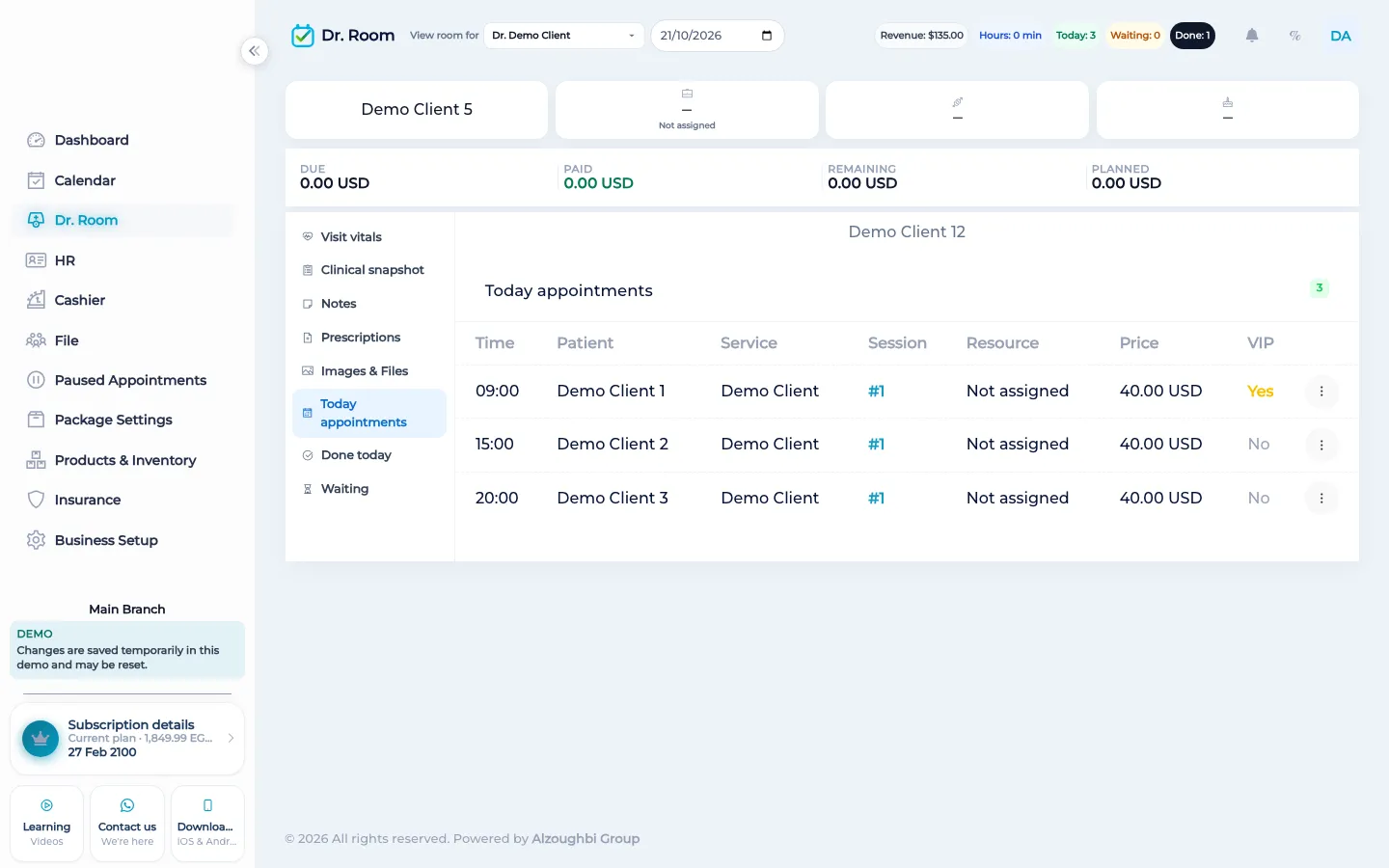
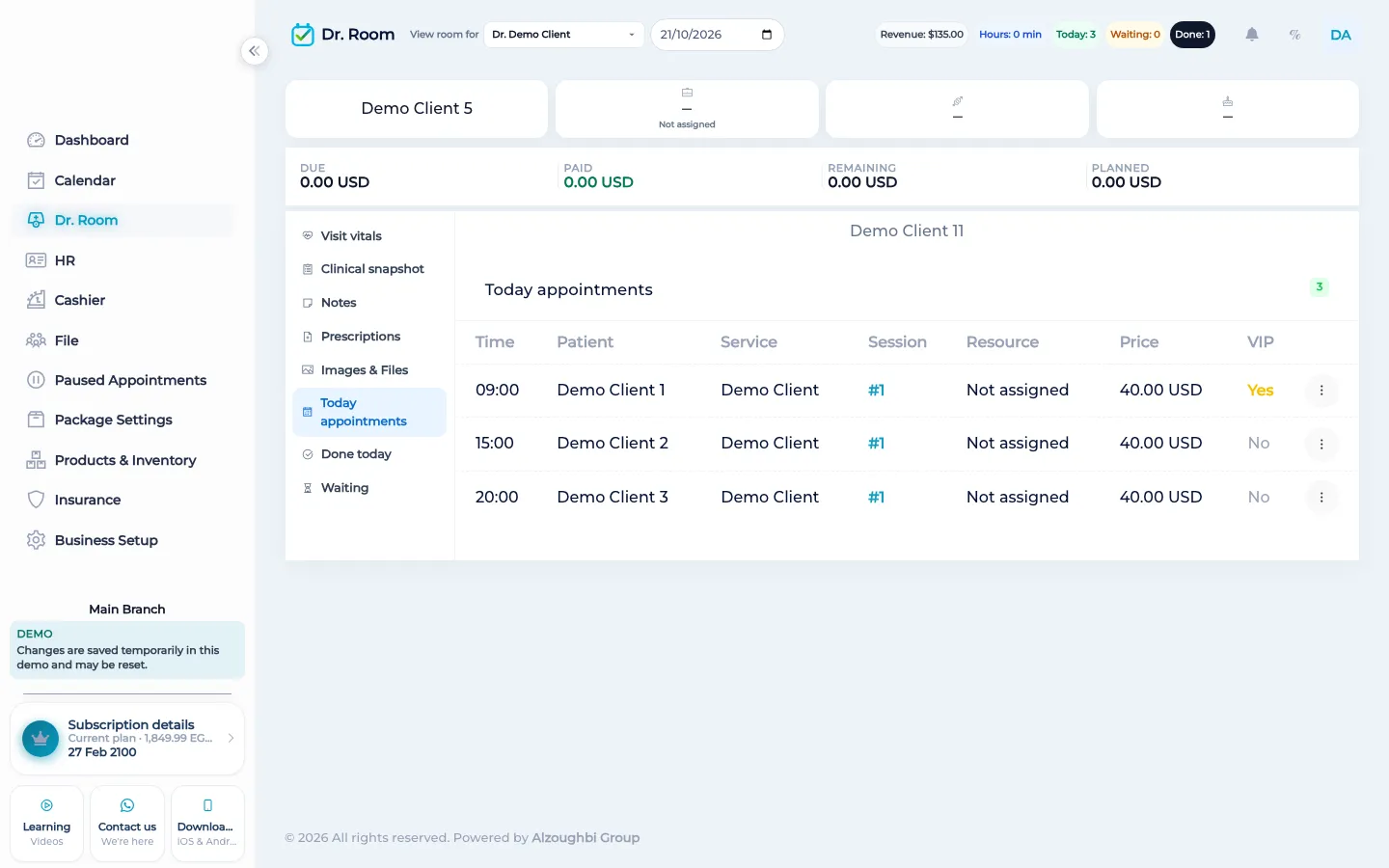
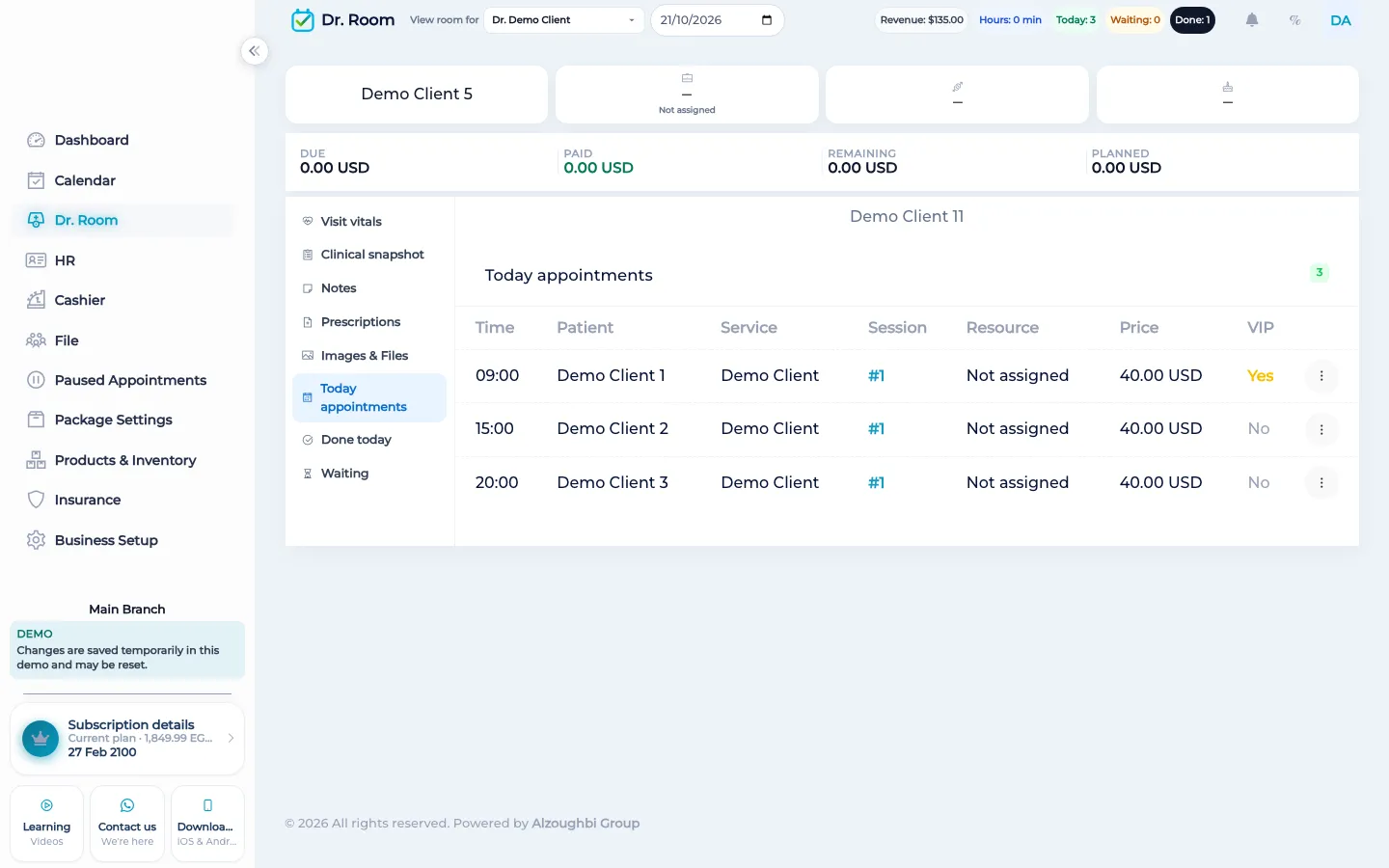
The doctor room is today’s queue for a practitioner. A visit waits, is called in, or is done. Notes, vitals, tests, and prescriptions stay on that visit and on the client file.
What the room does
The screen is today’s list for the practitioner you are viewing, at the branch you are in. A visit moves through three phases: waiting, in the room, and done. Calling the visit in sets it to in the room. Marking it done finishes that phase. Sending it back returns it to waiting from the room, or from done. A note can go with the phase change. Sending back with a note can also notify the cashier, and you can notify the cashier on purpose. The calendar uses distinct colours for waiting, in the room, and done, and those colours are reserved so a service colour is not mistaken for a room phase.
From the same visit the practitioner can record vitals, add or remove a test, adjust the visit price the room is allowed to change, and add media on the client. Prescriptions are written onto the client file. If the visit is dental, dental items on the visit are there too. The room does not create the booking. Staff already put the visit on the calendar. The room does not collect the money. The cashier still records due, paid, and remaining. A visit that is already paid can be marked with a done-next note so the desk knows the payment is ahead of the room. The whole screen stays behind the doctor-room switch. A barbershop that does not use a room leaves it off.
What makes it different
A whiteboard in the corridor cannot tell the cashier that the visit was sent back, and it cannot put the prescription on the file. The doctor room uses the visit that reception booked. When the phase changes, the calendar changes with it. The client file receives the prescription, the vitals, and the media. There is still no page where the patient calls themselves in.
A visit through the room
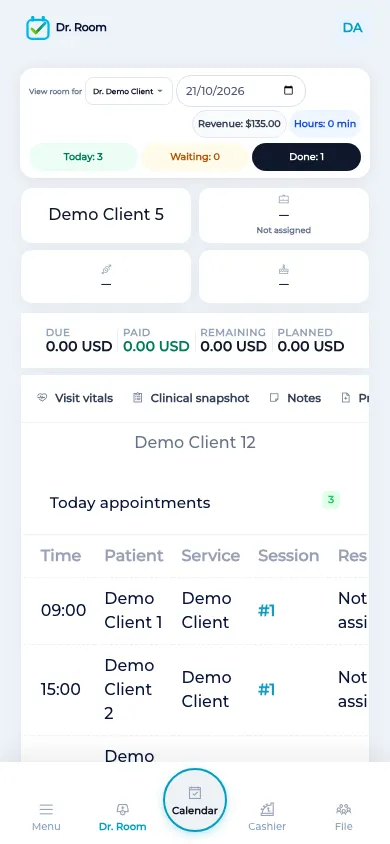
Reception has already booked the time. The practitioner opens the doctor room and sees who is waiting today, not every client the business has ever had. They call one visit in. In the room they can write a note, record vitals, order a test, and write a prescription that stays on the file. If the person was not ready, they send the visit back to waiting and the cashier can be told. If the work is finished, they mark it done. The colour on the calendar follows that phase so the front desk is not guessing from a shout down the hall. Payment, if it is still due, is the cashier’s screen, with due, paid, and remaining. If it was paid before the room, the done-next note says so. The next practitioner who opens the file sees the prescription and the phase, including on the phone, because the mobile app opens the same room. A salon that only needs a chair does not turn this queue on.
How it works in BOC
- Open today’s queue. The list is the practitioner’s day at this branch, not the whole client database.
- Call the visit in. Move it from waiting to in the room. The calendar colour follows the phase.
- Write on the visit. Add a note, vitals, a test, or a prescription. The prescription stays on the client file.
- Finish or send back. Mark the visit done, or send it back to waiting. A note on the way back can notify the cashier.
- Leave payment at the cashier. Due, paid, and remaining stay on the cashier. A prepaid visit can show a done-next note.
Who it is for
Clinics A clinic calls the next patient in from the queue instead of a name shouted from the door.
Dental clinics A dental clinic uses the room for the visit and the chart on the same client.
Dermatology and laser A dermatology clinic records the visit note and any prescription before the client reaches the cashier.
Beauty salons A salon that has no practitioner queue leaves the doctor room off.
Spas A spa leaves the room off unless a therapist works a clinical queue.
Barbershops A barbershop does not need waiting, in-room, and done phases.
Physiotherapy A physiotherapy practice calls the return visit in and writes the note on that visit.
Sports clubs A club leaves the doctor room off. Coaches stay on the calendar.
Concrete benefits
- Today’s queue for one practitioner at the current branch.
- Phases are waiting, in the room, and done, with reserved calendar colours.
- Notes, vitals, tests, media, and prescriptions stay on the visit and the file.
- Send back to waiting, and notify the cashier when you need to.
- Payment stays at the cashier. The room can be left off.
Watch the tutorial
See who is waiting, call the client in, write the visit, and mark it done or send it back.
Questions
Who appears in the queue?
The visits for the practitioner’s day at the branch you have open.
What are the phases?
Waiting, in the room, and done. The calendar colour follows the phase.
Can I send a visit back?
Yes. From in the room, or from done, you can return it to waiting. A note can notify the cashier.
Where does the prescription go?
Onto the client file, with the visit. WhatsApp can later open a link that includes that text. It is not sent automatically.
Does the room take payment?
No. The cashier records due, paid, and remaining. A prepaid visit can be marked done-next.
Can a salon hide it?
Yes. The doctor room is a switch. Leave it off when you do not run a clinical queue.