WhatsApp communication
WhatsApp in BOC is a link to the client’s number. Staff open the chat from the file, from a visit, or from a prescription. BOC does not send the message, and it does not run campaigns or automatic reminders.
What the button does
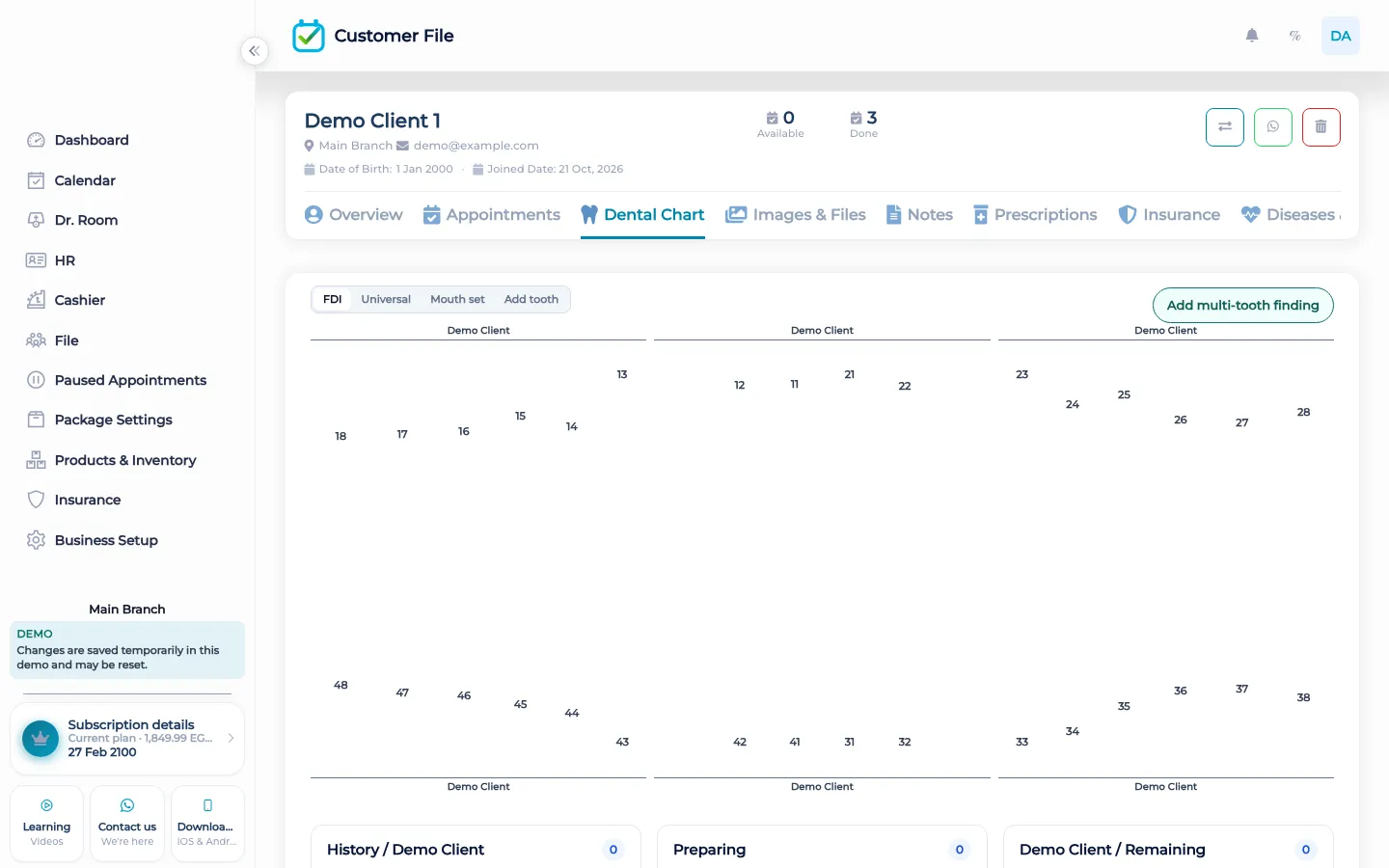
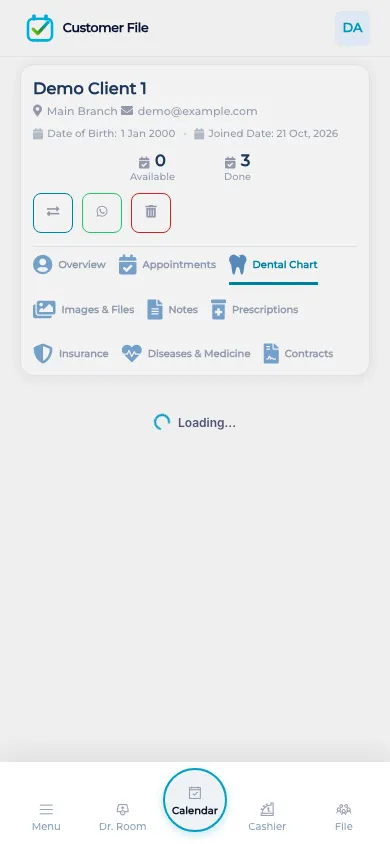
On the client file, the WhatsApp control opens wa.me with the phone number already stored for that person. The appointment drawer has the same kind of link for the visit. A paused visit can open WhatsApp with a message prepared in the link, and a status change can do the same. A prescription can open WhatsApp with the prescription text in the link. In every case the next step is WhatsApp itself. A person on the team sends the chat, or they close it. BOC does not keep a shared inbox, and it does not deliver the message on a timer.
There is no campaign list, no broadcast, and no automatic reminder the night before a visit. If the desk wants the client to know about a paused visit, a staff member opens the link and sends it. If nobody sends it, nothing goes out. The phone number is the one on the file. BOC does not look up a different number, and it does not store the WhatsApp thread back into the client file. The support contact for BOC itself is a separate link. It is not the client’s chat.
What makes it different
Copying a number from a spreadsheet into WhatsApp is how chats get sent to the wrong person. The button uses the number on the file you already opened, or on the visit you already have. The prescription link carries the text of that prescription so the staff member does not retype the lines into the chat. That is the difference. It is not an inbox, and it is not a reminder machine.
Sending one chat on purpose
A receptionist finishes a booking and wants to tell the client the time. They open the visit and tap WhatsApp. The chat is addressed to that visit’s number. They write, or they use the text already placed in the link, and they press send inside WhatsApp. BOC has already done its part by opening the right number. A practitioner who wrote a prescription can open WhatsApp with that text instead of reading the lines aloud into a phone. A paused visit can be chased the same way, one person at a time, from the paused list. Nobody schedules a blast to every client who has a visit tomorrow. The product does not have that switch. The team either sends the chat or they do not. The appointment remains on the calendar either way.
How it works in BOC
- Open the person. Start from the client file, the visit, the paused list, or the prescription.
- Tap WhatsApp. BOC opens wa.me with that person’s number. A prescription or a paused visit can include text in the link.
- Send it yourself. The message leaves only when someone sends it in WhatsApp. BOC does not send it.
- Do not expect a campaign. There is no broadcast and no automatic reminder the night before.
- Leave the thread in WhatsApp. BOC does not store the chat back on the file. The file keeps the number.
Who it is for
Clinics A clinic messages one patient from the file or from the prescription, not from a blast list.
Dental clinics A dental clinic can open WhatsApp after the chart is updated, still one number at a time.
Dermatology and laser A laser clinic tells one client about a session from the visit, without a reminder robot.
Beauty salons A salon opens the stylist’s chat to the number on the booking.
Spas A spa confirms one treatment from the visit. Nothing is sent if staff do not send it.
Barbershops A barbershop chases one paused visit from the paused list, with a message the staff send.
Physiotherapy A physiotherapy practice sends return-visit details from the appointment, one client at a time.
Sports clubs A club messages one member from the file. Members are not subscribed to a broadcast.
Concrete benefits
- The link uses the number already on the file or the visit.
- A prescription can put its text in the WhatsApp link.
- A paused visit can open a chat with a prepared message.
- Staff send the message. BOC does not send it, and nothing is scheduled.
- There is no shared inbox and no campaign list.
Questions
Does BOC send WhatsApp by itself?
No. It opens a wa.me link. Someone on the team sends the chat in WhatsApp.
Where is the button?
On the client file, on the visit drawer, on a paused visit, and on a prescription.
Can a prescription include its text?
Yes. The prescription link can carry the prescription text. Staff still send it.
Are there automatic reminders?
No. Nothing is sent the night before unless a person sends that chat.
Is there a shared inbox?
No. The thread stays in WhatsApp. BOC keeps the phone number on the file.
Can I message every client at once?
No. Each link is one number. There is no campaign or broadcast.