Appointments and bookings
Appointments and bookings are the rules and the lists behind the calendar: who can be booked, how close visits may sit, and what happens to a visit that did not go ahead.
What bookings do
Staff create the visit. There is no customer self-booking portal, so the desk chooses the service, the time, the person, and the branch. Booking settings cover capacity, which staff can take the service, VIP handling, and the interval you want between visits. Those settings stop the calendar from becoming a free-for-all when more than one person is on the book. A VIP flag is a booking rule for the team, not a public membership site.
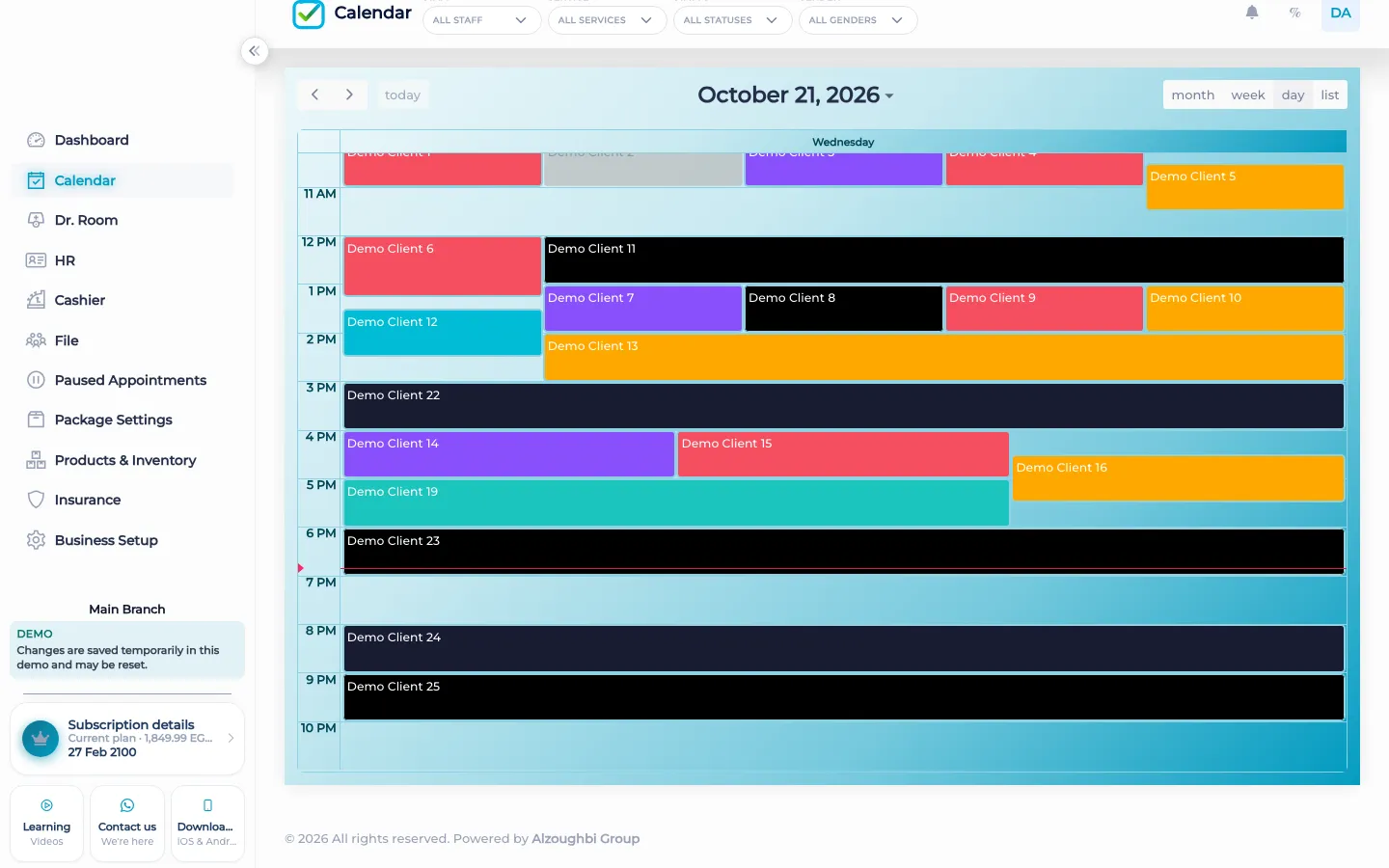
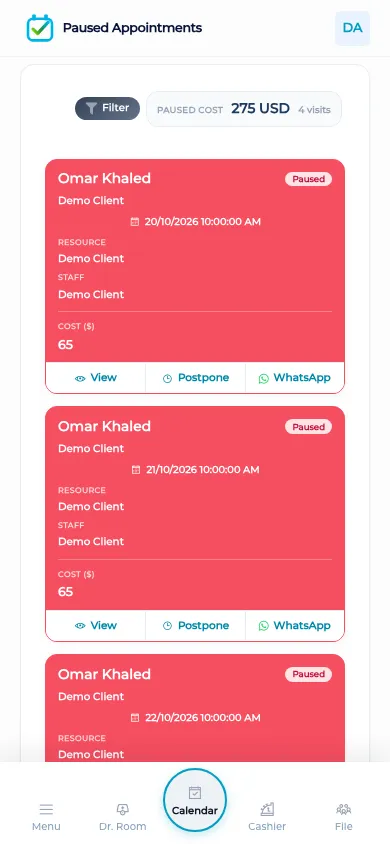
Paused appointments are the visits that did not go ahead and should not vanish. Open the paused list, filter it, and reschedule the visit onto a real gap. That is a different job from deleting the morning because someone was late. The paused-appointments tutorial shows that list. The calendar still shows the day that is live. Use both: the calendar for who is coming, the paused list for who must be placed again.
What makes it different
A messaging app can hold a booking in a chat. It cannot tell you the chair is full, the interval is too short, or the visit was paused rather than done. BOC keeps the visit as a record the cashier, the file, and the doctor room can open later. Rescheduling does not start a new stranger. The same visit moves.
Packages book from remaining sessions when a client is enrolled. That is still an appointment: a time on the book, not a punch card in a drawer. Discount requests can start from the appointment and wait for approval before the reduced price is the one the visit uses. Neither of those replaces the booking itself. The desk still chooses the slot. Nobody outside the staff is offered a page to pick it.
A morning at the desk
On an ordinary morning the receptionist opens the day before the first client is in the chair. If the chair is already at capacity, the name is not stacked on top of another name. If a client is late, the visit is paused instead of being wiped from the book and hunted for in yesterday’s messages. When that client calls back, the paused list is filtered and the visit is placed on a gap the calendar accepts. The interval the manager set still applies to that new time. A VIP mark does not open a public page on the internet. It is a reminder for the team about how this booking is handled inside the building. After the client sits down, the same visit moves to the file, the doctor room, or the cashier without being written a second time in another notebook. That is the difference between a booking that lives in a chat and a booking that an accountant and a manager can still open at the end of the day.
How it works in BOC
- Set the rules. Set capacity, the staff who can take the service, VIP handling, and the interval before the day fills up.
- Book at the desk. Create the visit on the calendar. The client is not sent a link to pick the time themselves.
- Pause instead of losing. If the visit does not go ahead, pause it so it stays on the paused list.
- Filter and reschedule. Open the paused list, filter it, and put the visit back on a gap that the calendar accepts.
- Hand the visit on. When the client is in, the doctor room, the file, and the cashier use that same visit. You do not retype it.
Who it is for
Clinics A clinic books the visit at reception and calls it into the doctor room from the same record.
Dental clinics A dental clinic spaces chair time with intervals so a long procedure is not jammed against the next name.
Dermatology and laser A laser clinic books package sessions as visits, with capacity on the machine, not as a tally on paper.
Beauty salons A salon sets which stylist can take a service so the book does not assign a colour to the wrong chair.
Spas A spa uses intervals so a treatment room can be turned over before the next booking starts.
Barbershops A barbershop pauses a no-show and reschedules it instead of squeezing the name into a full chair.
Physiotherapy A physiotherapy practice books the return visit before the client leaves, on the same appointment record.
Sports clubs A club books courts and coaches with capacity. Members are not given a self-booking page.
Concrete benefits
- Capacity, staff, VIP, and intervals are booking settings, not a separate product.
- Paused visits stay on a list you can filter and reschedule.
- The same visit continues into the file, the room, and the cashier.
- Package sessions are booked as visits with time on the book.
- Clients are not offered a page to pick their own slot.
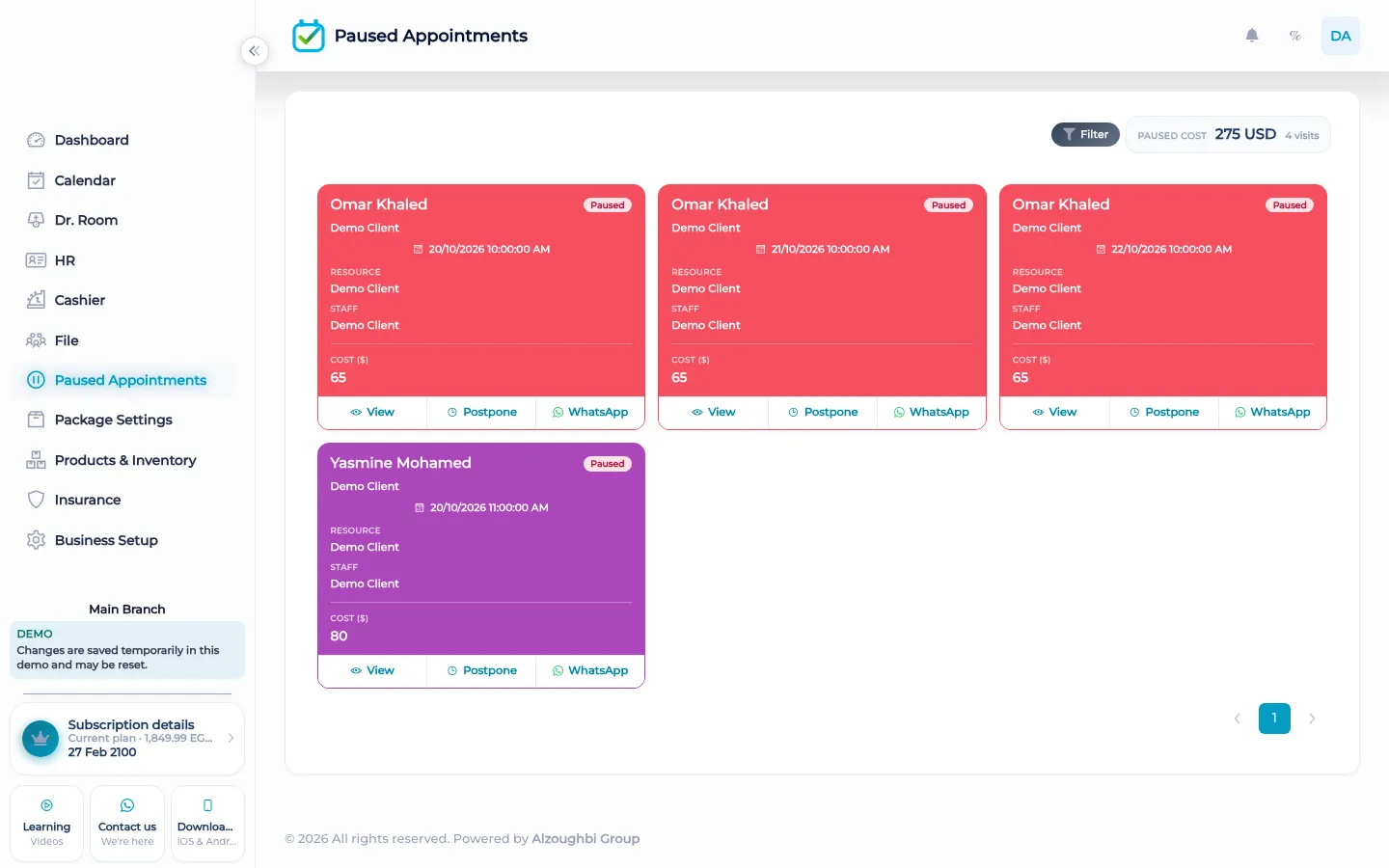
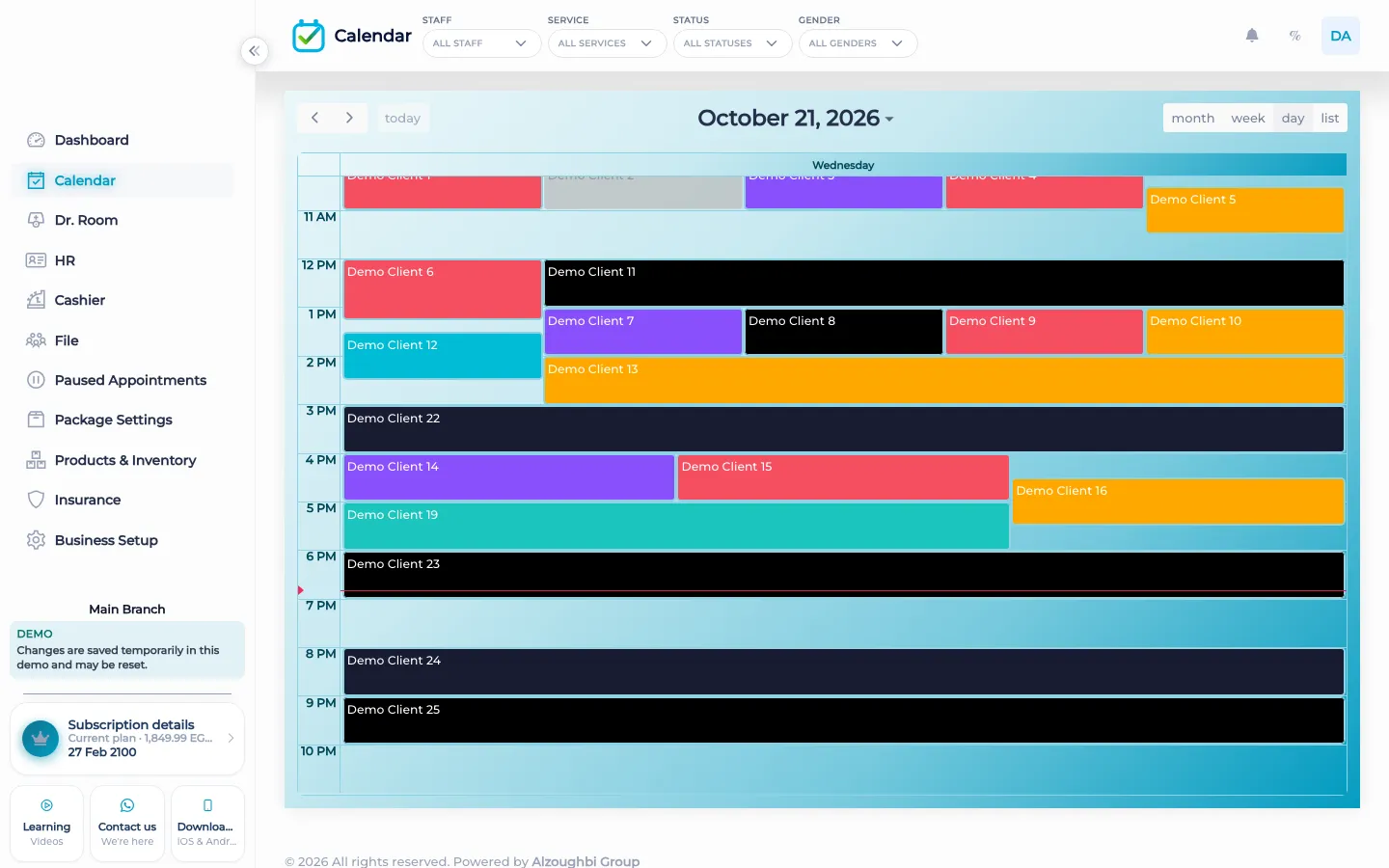
Watch the tutorial
Open the paused list, filter it, and reschedule a visit that did not go ahead.
Questions
Can a client book without calling?
Not in BOC. There is no customer self-booking portal. Staff create the visit.
Where do I reschedule a paused visit?
Open the paused list, filter it, and place the visit on an open time. The tutorial for paused appointments shows that list.
What do booking settings control?
Capacity, which staff can take the work, VIP handling, and the interval between visits.
Does pausing delete the visit?
No. Pausing keeps the visit on the paused list so you can reschedule it. It is not the same as pretending the morning never happened.
Can a package session be an appointment?
Yes. An enrolled client is booked from the remaining sessions onto a time, like any other visit.
Does this send a reminder?
No. BOC does not send automated WhatsApp reminders. Staff can open WhatsApp from the customer file.