Discount approvals
A discount is a request on a visit. It stays pending until a person with permission accepts or rejects it. The reduced price is the one the visit uses only after approval.
What an approval does
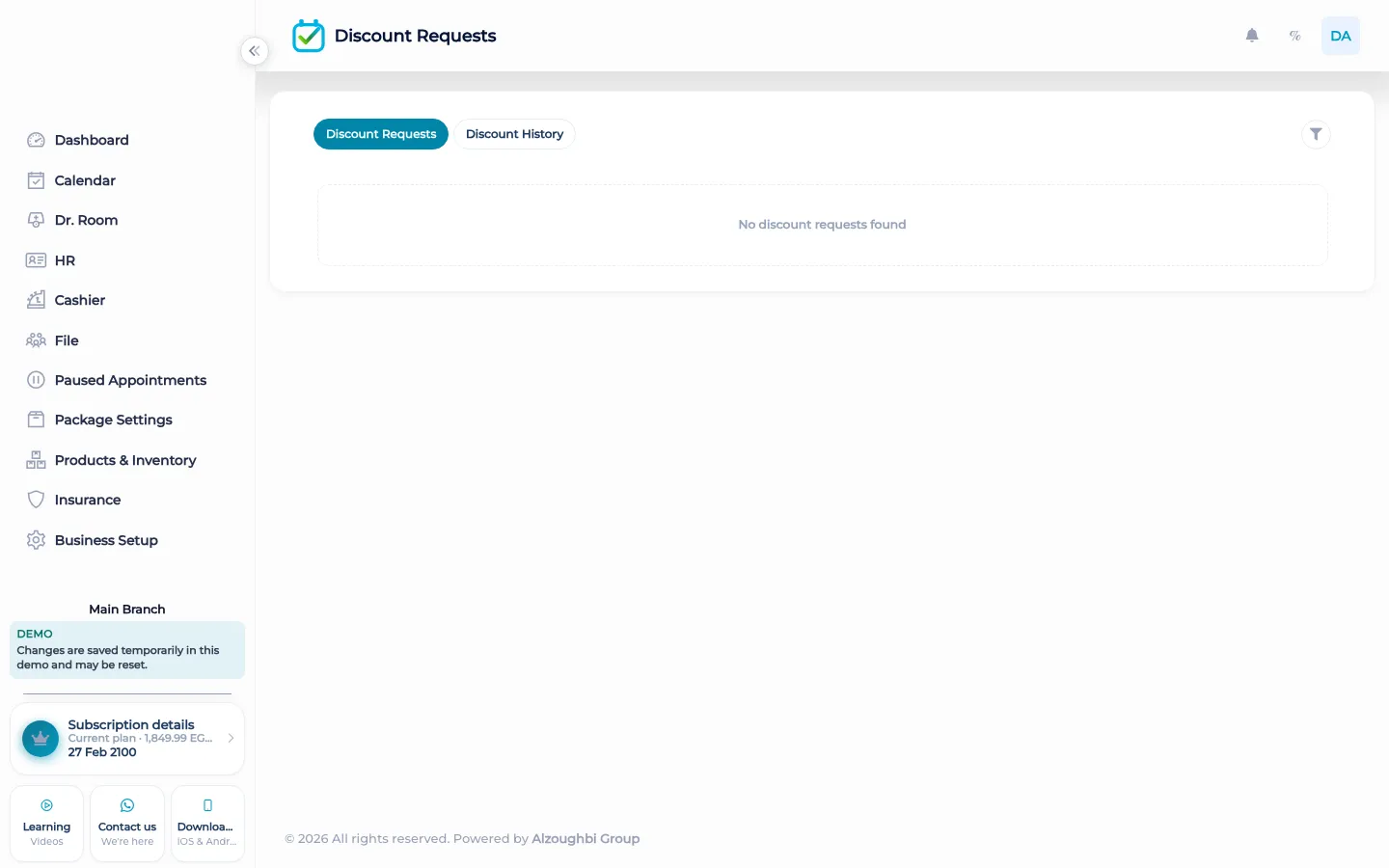
Staff can request a discount on a visit. The request has a status: pending, approved, or rejected. While it is pending, it is a request, not a new price. The list of discount requests is where someone reviews them. Accepting or rejecting needs the permission to accept a discount and review it. A person who can ask is not automatically a person who can approve their own reduction. A product line on a sale can carry a discount request too, and that line stays pending until it is accepted. The activity log can show that the decision happened. The request does not vanish into a chat.
After approval, the visit uses the reduced price. After rejection, it does not. The cashier still shows due, paid, and remaining for whatever price the visit actually has. A discount is not a package, and it is not a second currency. It is a decision on one visit or one product line. There is an English tutorial that walks through requesting a discount and reviewing it.
What makes it different
A whispered price at the chair is gone by the evening. The request stays on the visit with a status, and the person who accepts it is a permission, not a favour. The cashier does not have to guess which number was the real one.
From the request to the cashier
A receptionist or a practitioner asks for a lower price on a visit that is already booked. The visit stays at its price while the request is pending. The person who reviews opens the discount list, sees the pending requests, and accepts or rejects. If they accept, the reduced price is the one the visit uses when the cashier looks at due, paid, and remaining. If they reject, the original price stands. The same pattern holds for a product line: pending is not sold as the reduced price. Nobody outside the team is offered a page to demand a discount. There is no customer portal. The decision is inside the workspace, and the activity log can show who changed the record. That is the whole path. It is short on purpose, because a discount that skips the list is just a number someone typed.
How it works in BOC
- Request it on the visit. Staff ask for the discount. It is created as pending.
- Leave the price alone. While the status is pending, the visit does not switch to the reduced price.
- Review the list. Open discount requests. Accepting needs permission to accept and review.
- Accept or reject. Approved means the visit uses the reduced price. Rejected means it does not.
- Take payment on the real price. The cashier shows due, paid, and remaining for the price the visit has after the decision.
Who it is for
Clinics A clinic keeps a requested reduction pending until the person who may accept it does.
Dental clinics A dental clinic does not let a chair-side price replace the visit until it is approved.
Dermatology and laser A laser clinic reviews a discount on a session before the cashier uses the lower number.
Beauty salons A salon separates who can ask for a colour discount from who can approve it.
Spas A spa keeps a treatment discount on the visit, with a status, not in a message.
Barbershops A barbershop uses the same pending list when a chair asks to charge less.
Physiotherapy A physiotherapy practice approves a reduction on a return visit before the balance changes.
Sports clubs A club does not give members a page to demand a discount. Staff request it inside.
Concrete benefits
- A request is pending, approved, or rejected.
- The reduced price is used only after approval.
- Accepting needs permission to accept and review.
- A product line can wait on the same kind of request.
- The cashier reads the price the visit has after the decision.
Watch the tutorial
Submit a discount from the appointment, then approve or reject it. Filter the list by service, branch, and status.
Questions
Who can approve a discount?
Someone with permission to accept a discount and review it. Asking for one does not grant that permission.
What are the statuses?
Pending, approved, and rejected.
Does a pending request change the price?
No. The visit uses the reduced price only after approval.
Where do I review requests?
On the discount requests list. You can accept or reject from there.
Can a product have a discount request?
Yes. A product line can stay pending until the discount is accepted.
Can a client approve their own discount?
No. There is no customer portal. The decision is made by staff who have the permission.