GPS attendance
Attendance is a phone punch. Location is checked against the branch geofence. The website is where an authorized person corrects a punch, with a reason. The server does not store a face image.
What the punch does
A team member clocks in and out from the phone. The punch carries a location. The branch geofence is a radius and a limit on how vague that location reading may be. If the phone is not inside that circle, the punch is not treated as if the person were at the door. Lateness, early leave, and overtime can then be worked out from the shift for that day: grace minutes, a rate, and a cap, written onto the HR ledger as amounts rather than as a guess in a chat. A face check, when you use one, needs a provider, the device, and consent. Enrolling a face on the server only records that enrollment is required or awaiting a provider. The server refuses a face image, a photo, or a success flag sent from the phone. It does not keep a picture of the person.
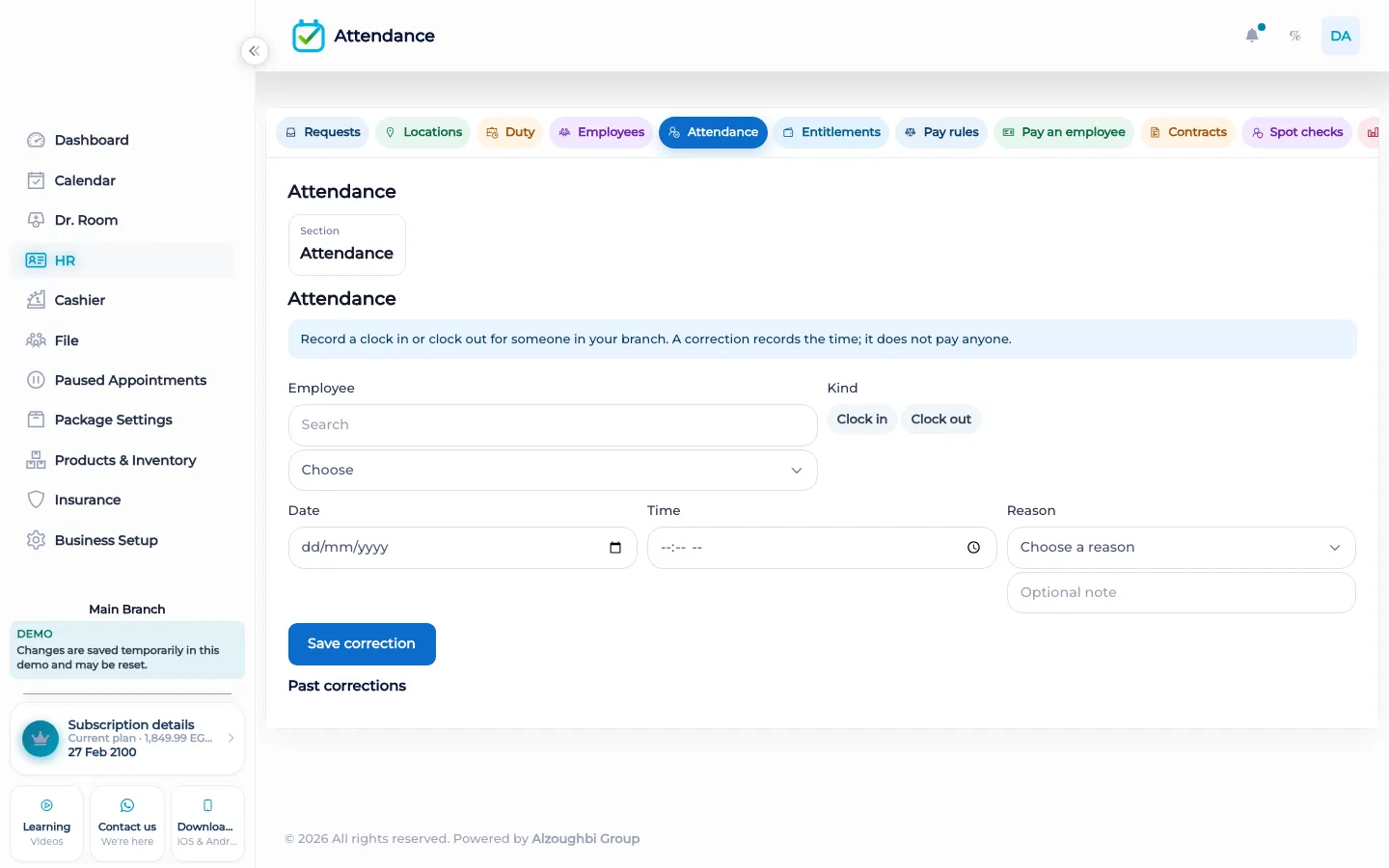
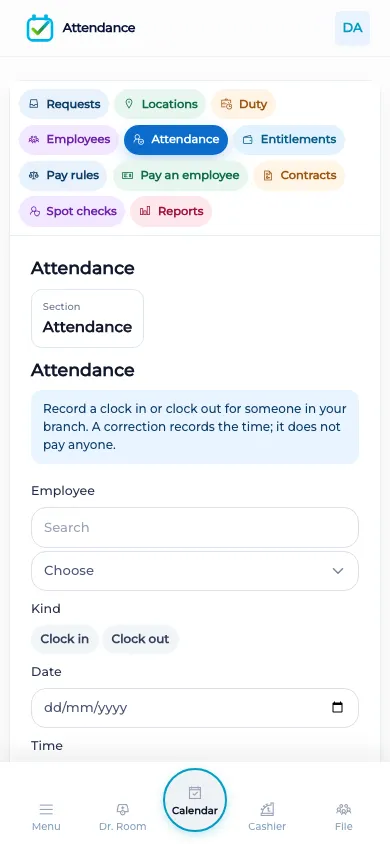
The web attendance screen is the correction screen. An authorized person can correct a punch by naming the team member, the kind of correction, the time, and a reason. That is not the GPS clock. You do not stand at the front desk computer and pretend the geofence ran. Leave is a separate HR policy, next to lateness, early leave, overtime, and the geofence itself. Pay, including a commission when a rule says so, is still a later step from HR or from the cashier. Attendance does not pay the wages by itself.
What makes it different
A paper timesheet can say someone arrived. It cannot check a radius around the branch, and it often ends up as a photo of a face stored in a folder. BOC checks the location on the phone and refuses to store the face image. A correction on the web has a reason, so the ledger is not edited in silence.
A shift at the door
The person arrives and clocks in on the phone, at the branch, inside the radius you set. If the reading is too vague, it does not count as standing at the door. If they are late beyond the grace, the ledger can hold the lateness amount from the rate you set, up to the cap. If they leave early or stay for approved overtime, those are separate calculations from the same shift, not a single unlabeled deduction. At the desk, a manager who needs to fix a missed punch opens the web correction, names the person, the time, and the reason. They do not upload a face. Later, when payroll is done, salary, commission, bonus, or overtime is paid from HR or from the cashier according to the rules you already have. The punch itself only says when and where the phone clocked. A business that does not track attendance leaves the HR attendance tools off and still runs the calendar.
How it works in BOC
- Clock on the phone. The punch is taken on the phone, with a location, against the branch geofence.
- Stay inside the radius. A reading outside the radius, or too vague, is not treated as a punch at the door.
- Let the shift do the maths. Lateness, early leave, and overtime use grace, a rate, and a cap on the HR ledger.
- Correct on the web with a reason. An authorized correction names the person, the kind, the time, and the reason. It does not upload a face.
- Pay later. Salary, commission, bonus, and overtime are paid from HR or the cashier. The punch does not pay them.
Who it is for
Clinics A clinic checks that the practitioner clocked in at the branch, not from a screenshot of a map.
Dental clinics A dental clinic keeps chair staff on the geofence of the clinic, and corrections have a reason.
Dermatology and laser A laser clinic separates the punch from the commission that may be paid later.
Beauty salons A salon clocks stylists on the phone at that branch. The web only corrects.
Spas A spa uses the radius so a punch from home is not the start of a shift.
Barbershops A barbershop can leave attendance off and still run the chair calendar.
Physiotherapy A physiotherapy practice can see lateness against the shift without storing a face photo.
Sports clubs A club clocks coaches at the site. Members are not asked to punch in.
Concrete benefits
- The punch is on the phone, checked against the branch radius.
- The server does not store a face image or a match flag from the phone.
- Lateness, early leave, and overtime can post to the HR ledger with a cap.
- A web correction needs a person, a time, and a reason.
- Paying salary or commission is a separate step.
Questions
Where do staff clock in?
On the phone, with a location checked against the branch geofence.
Does the website take the GPS punch?
No. The web screen is for an authorized correction, with a reason. The punch itself is on the phone.
Do you store a face photo?
No. The server refuses a face image, a photo, or a success flag from the phone. A live match needs a provider, the device, and consent.
What can the ledger record?
Lateness, early leave, and overtime from the shift, using grace, a rate, and a cap.
Does a punch pay the salary?
No. Salary, commission, bonus, and overtime are paid later from HR or from the cashier.
Can members punch in?
No. The punch is for the signed-in team. Clients and members are not given a punch page.