Multi-branch
Multi-branch means each location keeps its own calendar day, its own staff, and its own numbers. Moving a client or a staff member reviews the upcoming visits before they change branch.
What a branch keeps
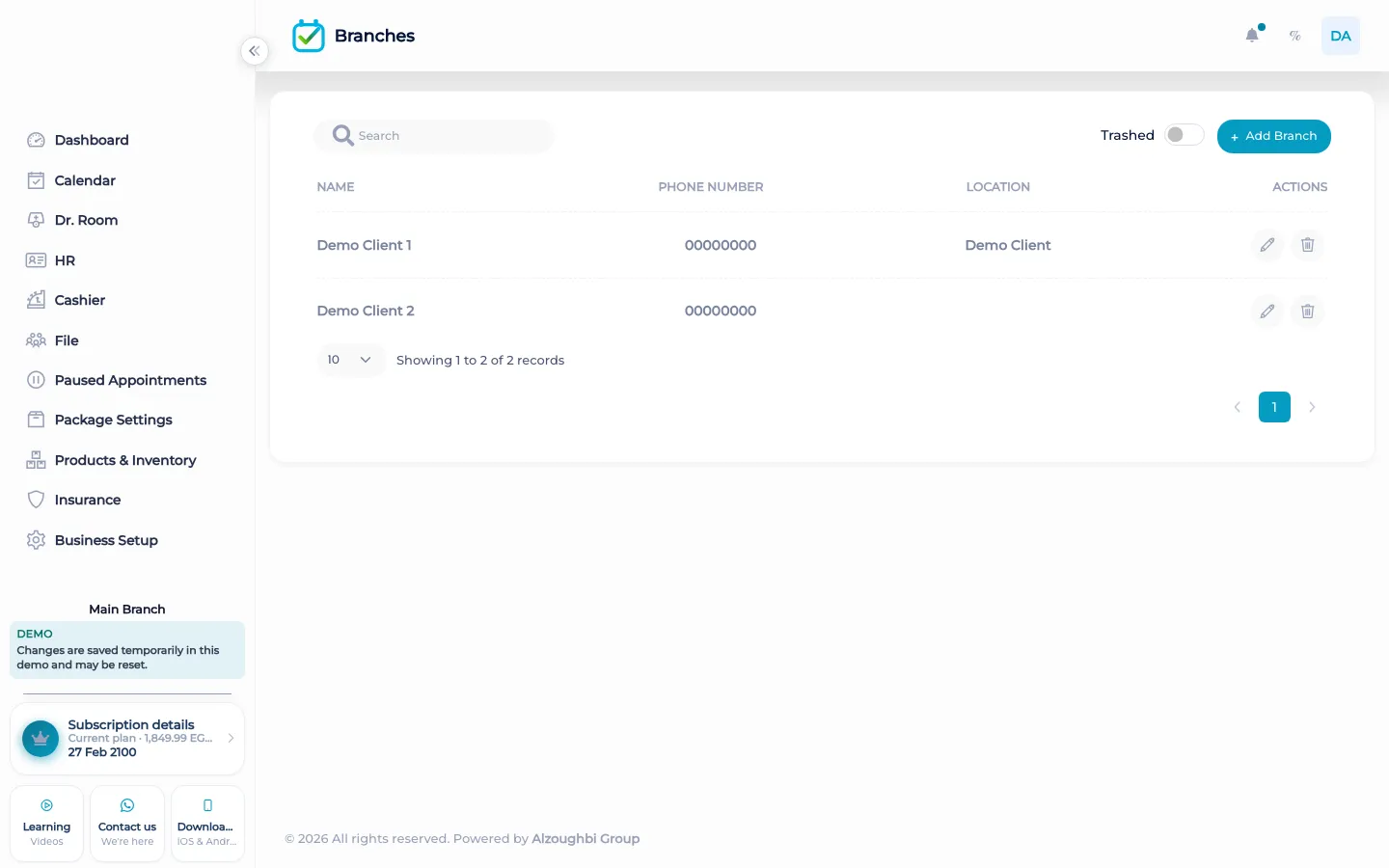
A branch is a location with its own name. The calendar you open is the day at the branch you are working in. Staff can be limited to the branches they are allowed to see, and a person can have working branches rather than a free pass to every door. Reports, the cashier, and inventory can be read for the branch in front of you. Stock can be transferred from one branch to another as its own inventory step. None of that mixes yesterday’s drawer at the first branch into the second branch’s morning.
Moving a client needs permission to change the customer’s branch. Moving a staff member needs permission to update staff. A full-access user can do either. Before the move, BOC lists the upcoming visits that are still available and not finished in the room. A visit that is already done stays on the original branch. A visit that already has a posted payment stays there too. The visits that would move are checked against the destination: whether the service exists on that branch, whether the hours are open, whether the staff member can work there, and whether the chair or resource has capacity. If the same time does not fit, the visit needs a new time. It is not dropped onto a full book.
What makes it different
A second notebook does not know that the service is not offered at the other chair, or that the payment already posted should stay where it was taken. BOC checks those facts and writes the move in the activity log, including how many pending visits moved. The tutorial on branch transfers shows that review. The two branches do not become one calendar.
Opening a second location
You add the branch, then you decide who works there. A receptionist at the first branch does not automatically see the second branch’s day unless the role allows it. A client who starts coming to the new location is moved only after the upcoming visits are reviewed. If Thursday at four fits the new branch, that visit can go with them. If the new branch is closed, or the service is not on that branch, or the staff member is not there, the visit stays put until someone picks a time that fits. Done work and money already posted do not follow the client into the new drawer. Inventory, if you use it, moves only when you transfer stock. The dashboard you open is the branch you are in. That is how a second door stays a second door.
How it works in BOC
- Add the branch. Create the location. It has its own day, not a copy of the first calendar.
- Limit who sees it. Roles and working branches decide who opens that location.
- Review upcoming visits. Before a client or staff member moves, look at the visits that are still available.
- Move only what fits. A visit moves when the service, hours, staff, and capacity fit. Otherwise it needs a new time.
- Leave posted money behind. Done visits and visits with a posted payment stay on the original branch.
Who it is for
Clinics A clinic with two receptions keeps each doctor’s day on the branch where the room is.
Dental clinics A dental clinic does not drop a chair’s visit onto a branch that does not offer that service.
Dermatology and laser A laser clinic keeps machine capacity at the branch where the machine sits.
Beauty salons A salon chain keeps each stylist’s book on the branch they work.
Spas A spa keeps treatment rooms and their income on the location of the room.
Barbershops A second barbershop does not inherit the first shop’s drawer.
Physiotherapy A physiotherapy practice reviews return visits before a client changes location.
Sports clubs A club with two sites keeps courts and coaches on the site where the session is.
Concrete benefits
- Each branch has its own day, staff scope, and numbers.
- Upcoming available visits are reviewed before a person changes branch.
- A visit moves only when service, hours, staff, and capacity fit.
- Done visits and posted payments stay on the original branch.
- The move is written in the activity log.
Watch the tutorial
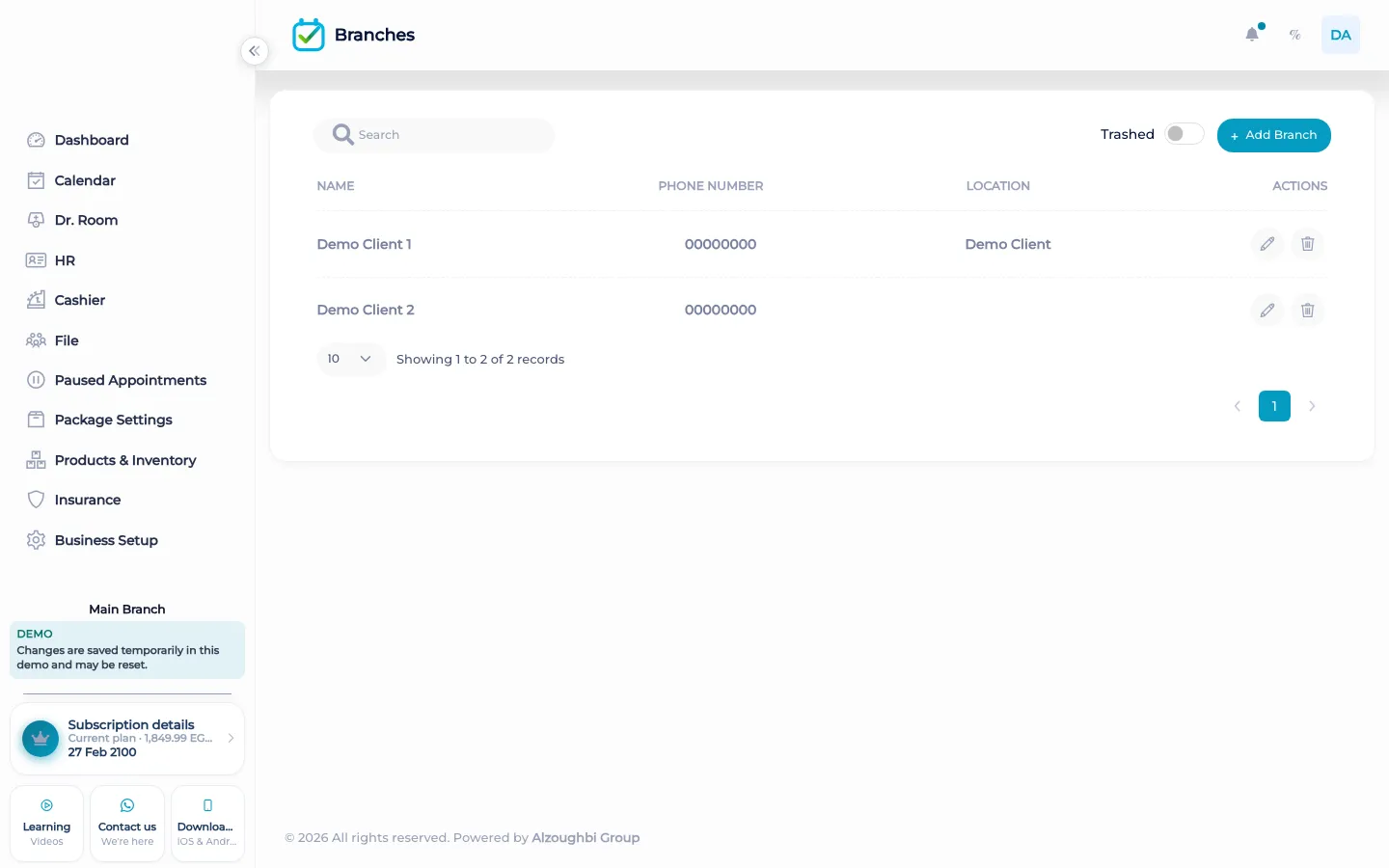
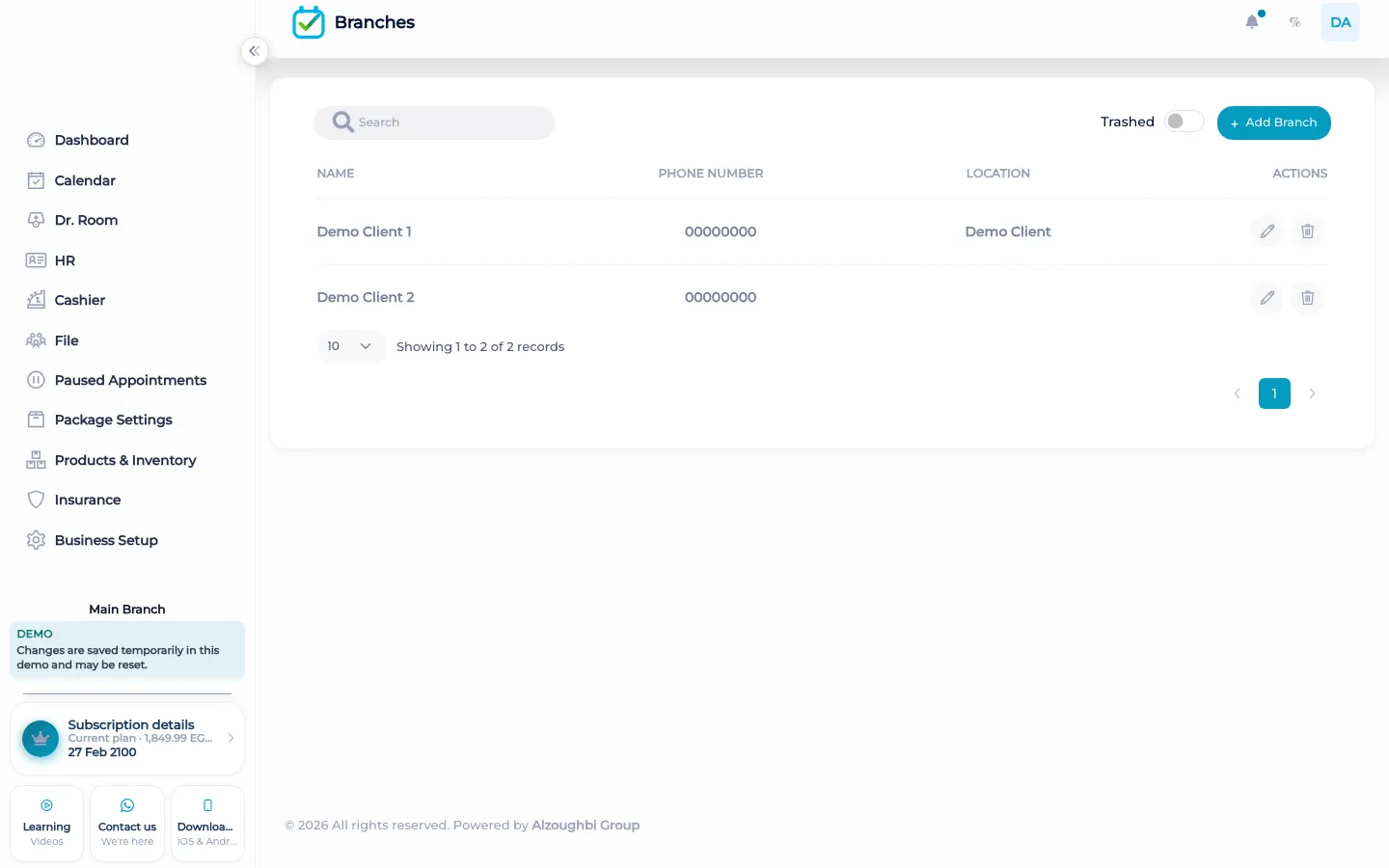
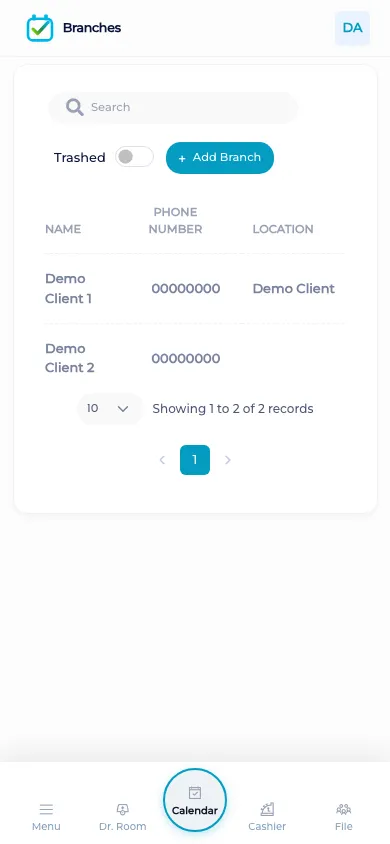
Move a customer or a staff member to another branch, and review upcoming visits before the transfer.
Questions
Do two branches share one calendar?
No. You work in the branch you have open. The other branch keeps its own day.
Who can move a client?
Someone with permission to change the customer’s branch, or a full-access user. Moving staff needs permission to update staff.
What happens to upcoming visits?
Available visits are checked against the new branch. If the time does not fit, the visit needs a new time. It is not forced onto a full book.
Do paid visits move?
A visit that is done, finished in the room, or already has a posted payment stays on the original branch.
Does stock move by itself?
No. A stock transfer is a separate inventory step from one branch to another.
Is the move recorded?
Yes. The activity log records the branch change and how many pending visits moved.