Payroll and pay rules
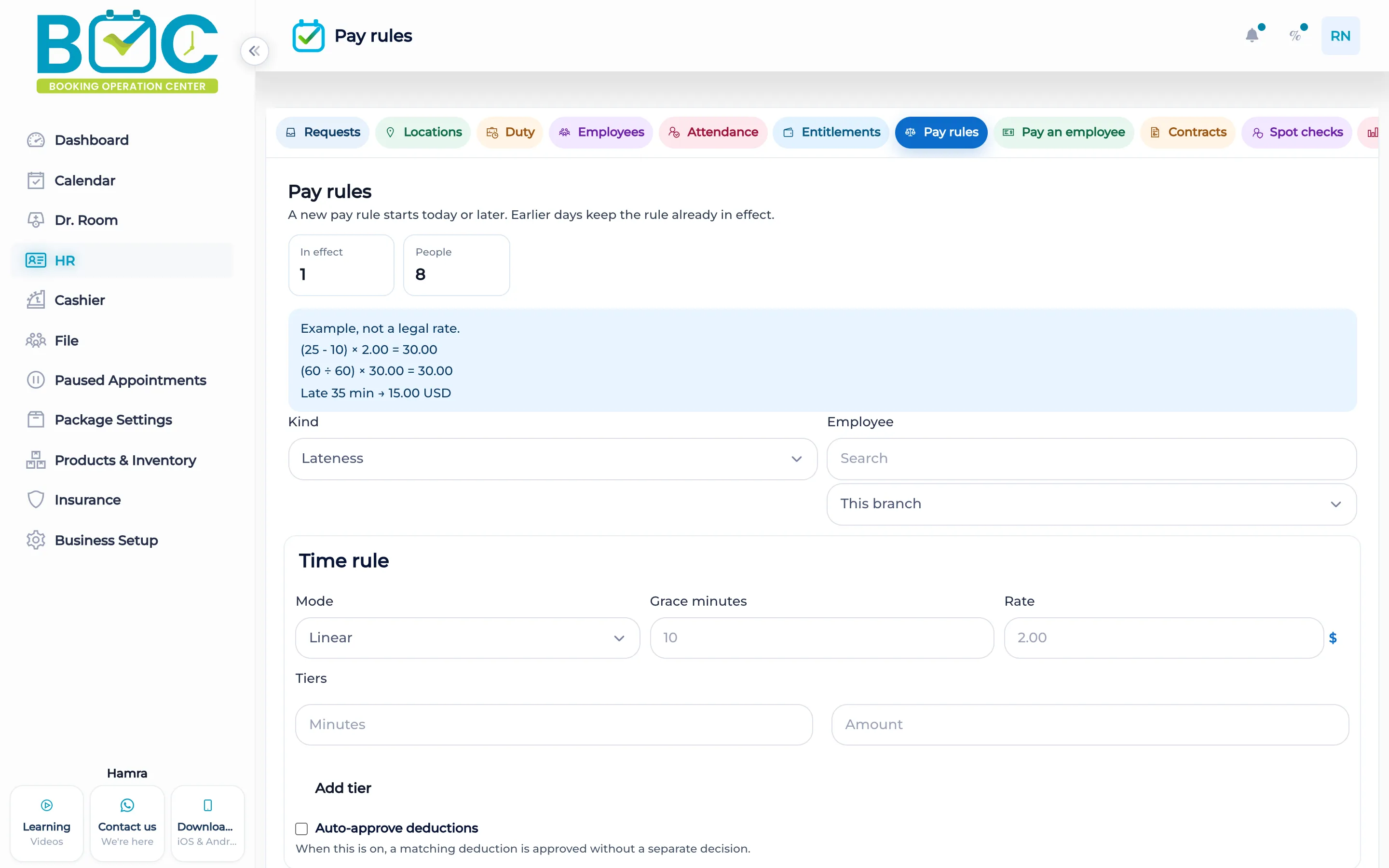
A pay rule is saved on the policies page, which also shows a worked example calculated from that rule. Payouts and the payroll ledger are the next screens.
What it does
The policies page stores the rule and shows a worked example from what you saved: the sample for the rule, lateness, overtime, and a tier example. The numbers on that example come from the rule, not from a fixed sample published here.
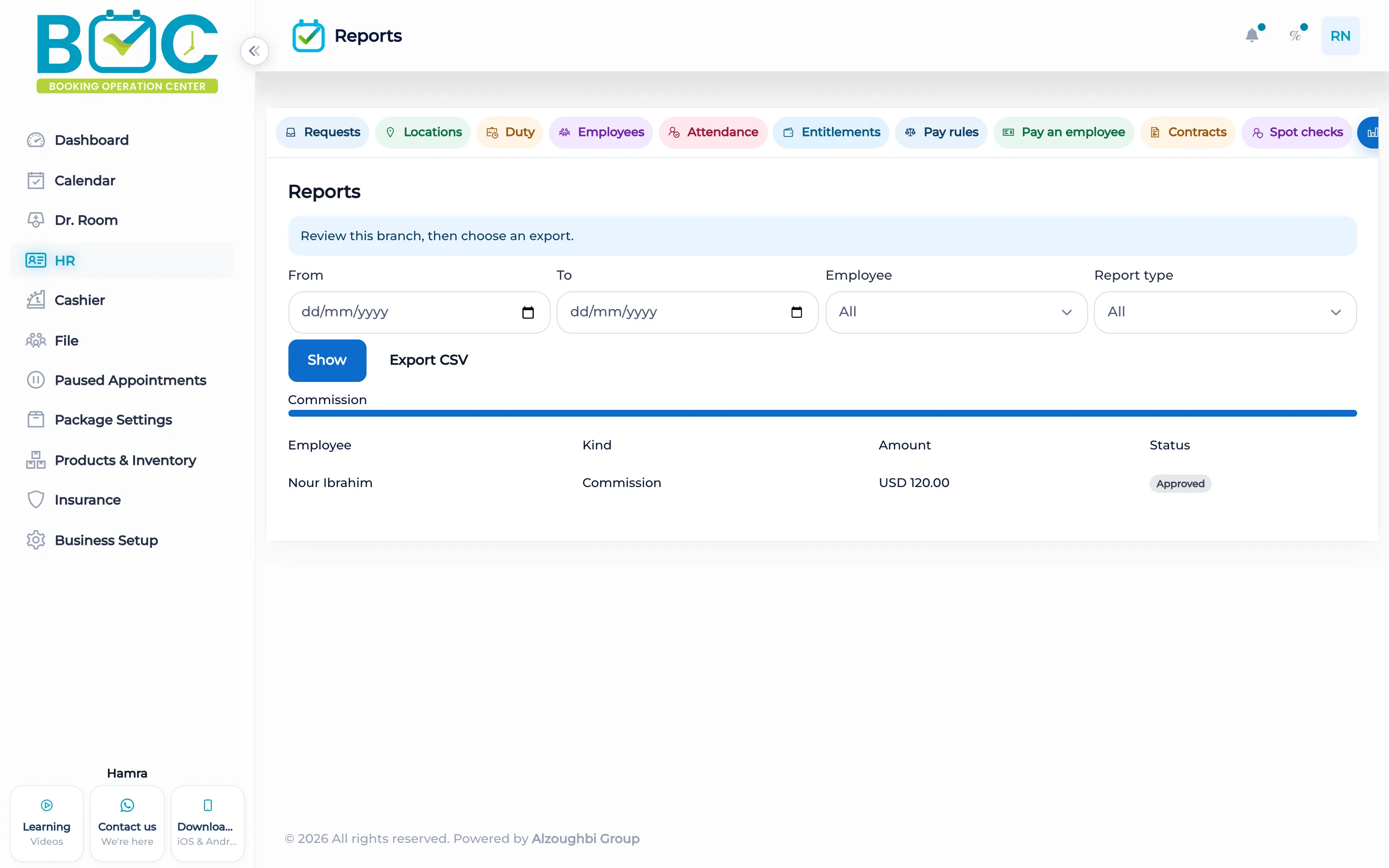
The payouts page is where a payout is recorded. The ledger report lists the payroll lines. The same policies page holds the geofence radius used by attendance: a slider from 25 to 500 meters, in steps of 25, with presets at 50, 100, 200, and 400 meters.
How it works in BOC
- Open policies. Save the pay rule the clinic uses.
- Read the example. The page calculates a worked example from that saved rule.
- Record a payout. Open payouts and record what was paid.
- Open the ledger. The ledger report lists the payroll lines.
Key capabilities
- A saved pay rule on the policies page.
- A worked example calculated from that rule.
- A payouts page.
- A payroll ledger report.
Who it is for
Clinics keep the pay rule, the payout, and the ledger in HR.
Beauty salons use the same policies page and the same ledger.
FAQs
Where is the worked example?
On the policies page, calculated from the rule you saved.
Where is a payout recorded?
On the payouts page.
Where are the payroll lines?
On the ledger report.