Shifts and the duty roster
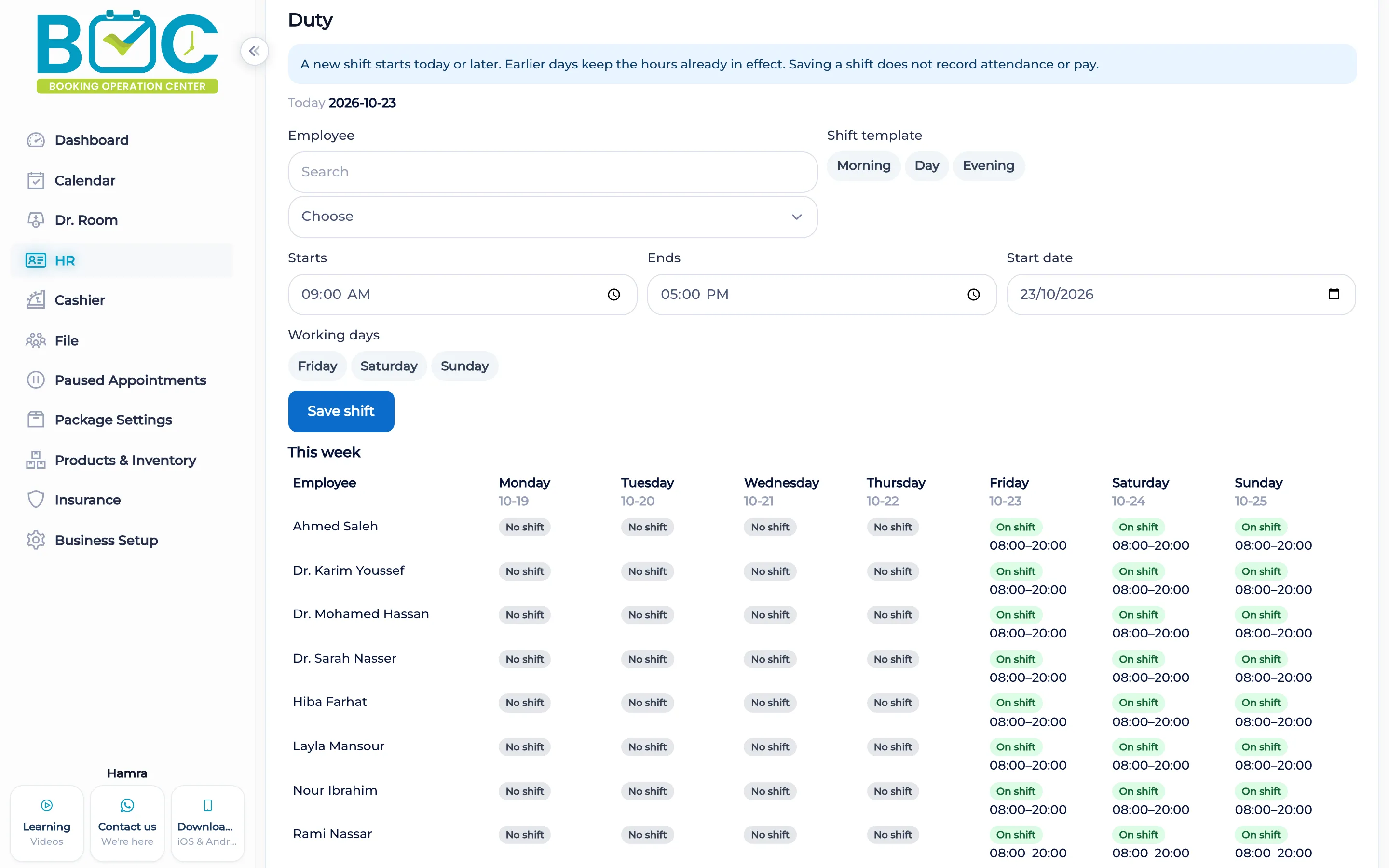
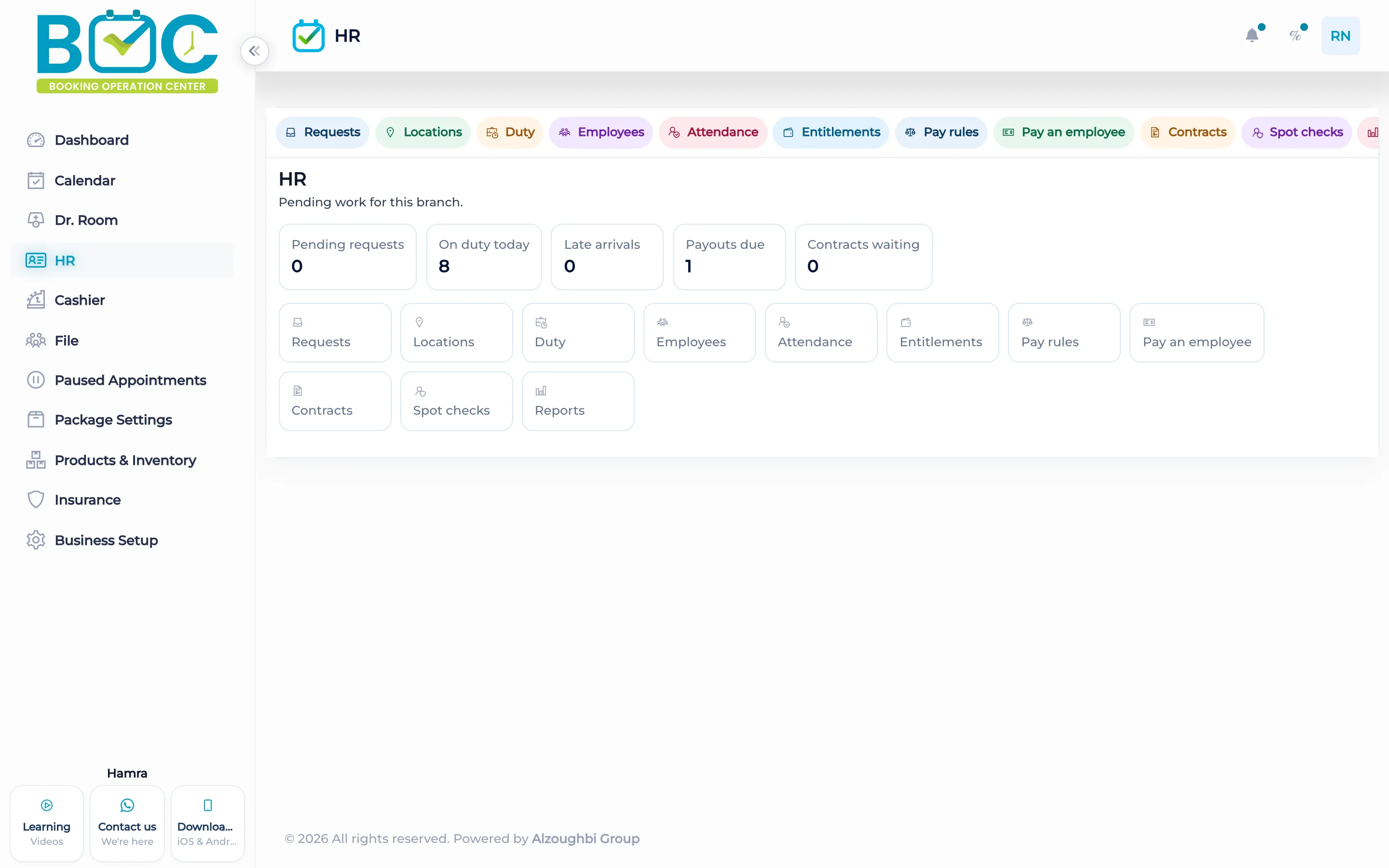
The shift board is a week for the people in the branch. HR home counts how many of them are on duty today.
What it does
The shift page lists people in the branch and the week. You fill the shifts there. The list is the branch you are working in.
HR home reads that plan and shows how many people are on duty today. Attendance, leave, and pay use the shift when those tools are on. A punch itself does not pay the salary.
How it works in BOC
- Open shifts. Go to the shift board for the branch.
- Fill the week. Set the shifts for the people listed.
- Save the board. The week is the roster those people are expected to follow.
- Open HR home. See how many people are on duty today.
Key capabilities
- A week view of shifts.
- People listed for the current branch.
- HR home counts who is on duty today.
- The same shifts feed lateness and overtime when attendance rules are on.
Who it is for
Clinics fill the week for the people who work at that branch.
Beauty salons use the same board, then read the on-duty count on HR home.
FAQs
Who appears on the board?
People in the branch you are working in.
Where do I see the duty count?
On HR home, as On duty today, from the shifts you saved.
Does a shift pay the salary?
No. Pay is a later step, from payroll or the cashier.