Staff contracts
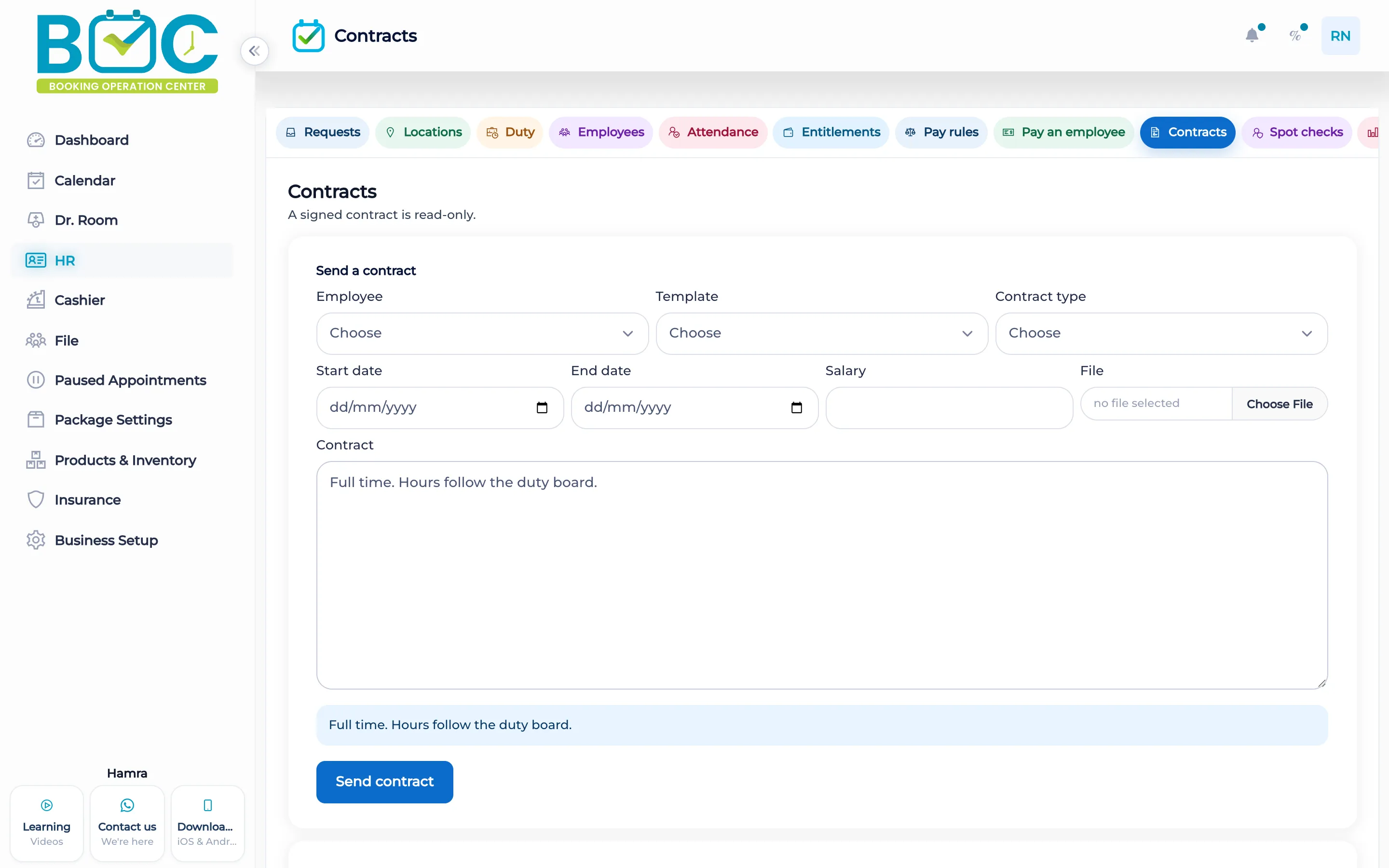
HR can send a contract as full time, part time, or temporary. You preview it before it is sent. A signed contract is read-only.
What it does
The contract form names the employee, the template, the type, the start, the end, the salary, a file, and a body. The file can be text or PDF. You preview the contract before it is sent.
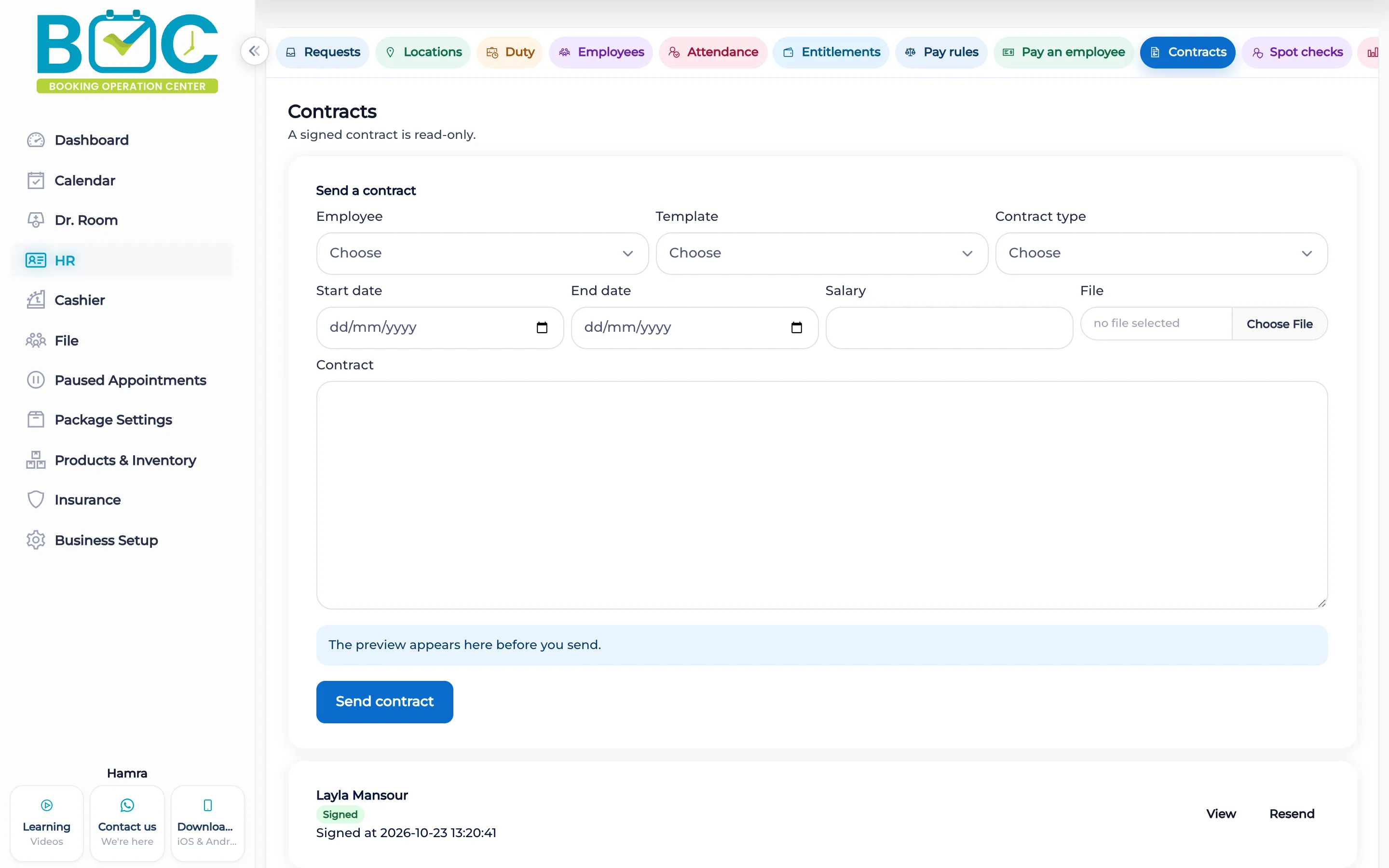
A signed contract is read-only. Status is signed, sent, or not signed. This is the staff contract, separate from the consent contract on a client file.
How it works in BOC
- Open staff contracts. Start a contract for an employee.
- Fill the terms. Set the type, the dates, the salary, and the body or the file.
- Preview. Read the preview before you send it.
- Keep the signed copy. After it is signed, the contract is read-only.
Key capabilities
- Full time, part time, or temporary.
- Employee, template, dates, salary, file, and body.
- A preview before send.
- A signed contract stays read-only.
Who it is for
Clinics send the employment contract and keep the signed copy read-only.
Beauty salons use the same full-time, part-time, and temporary types.
FAQs
Which types can I send?
Full time, part time, or temporary.
Can I read it before sending?
Yes. Preview it first.
Can a signed contract be edited?
No. A signed contract is read-only.